
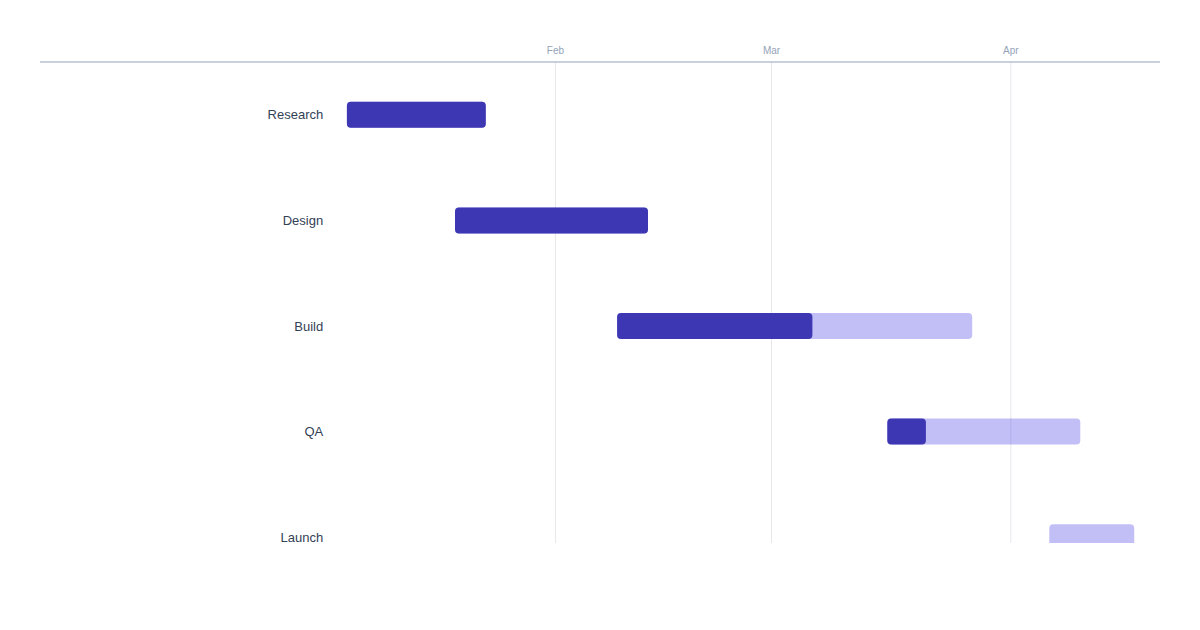
New Component - Gantt Charts
Render a project timeline from a list of tasks. Bars sit on a shared date axis with progress fills and per-task colors, for roadmaps and sprint status.
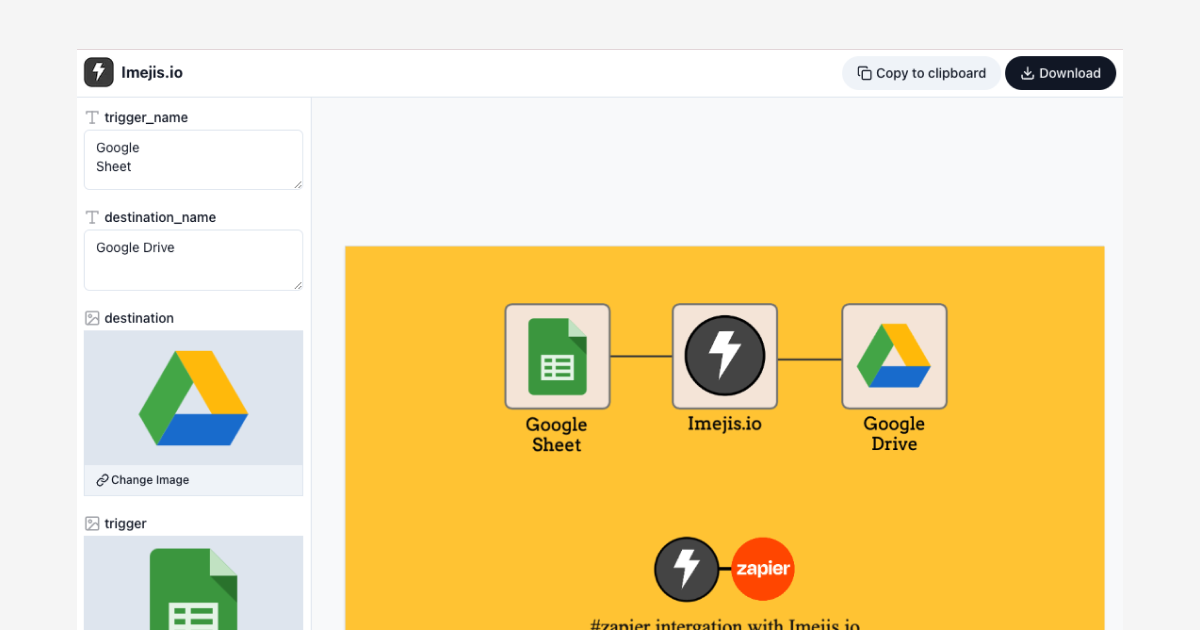
Public Link Analytics - See Views, Downloads & Visitors
Every public link now tracks views and downloads over time, plus a visitor log with IP, device and referral. Filter by date and group by period.
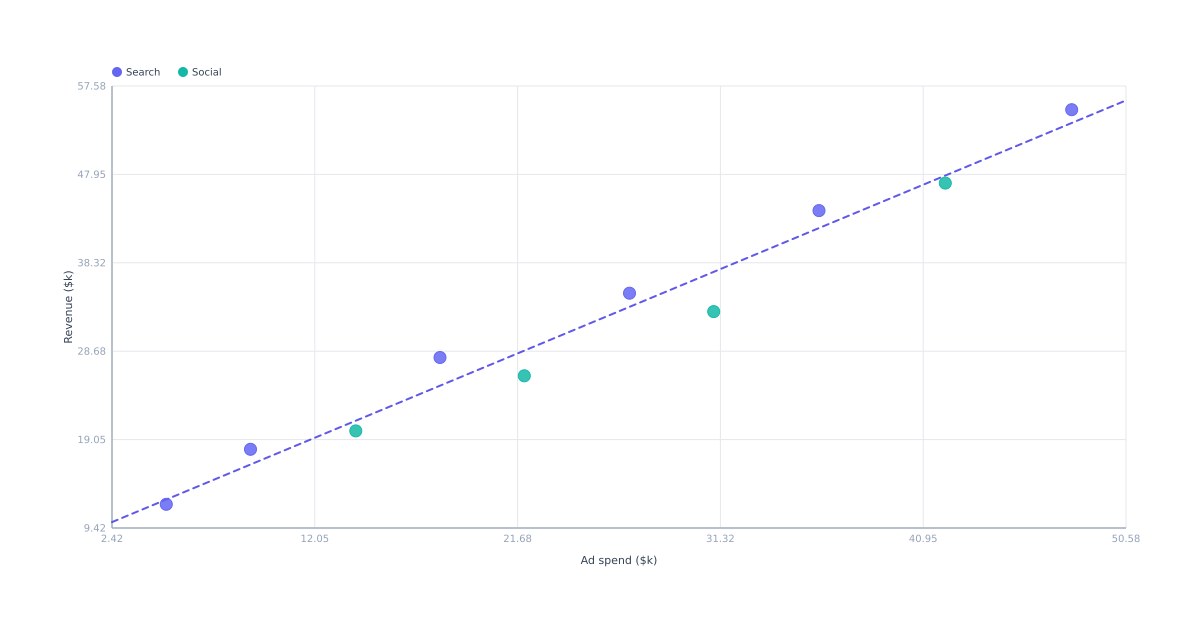
New Component - Scatter Plots
Plot points on X and Y axes from a list of pairs. Size bubbles by a third value, color by category with a legend, and add a trend line.
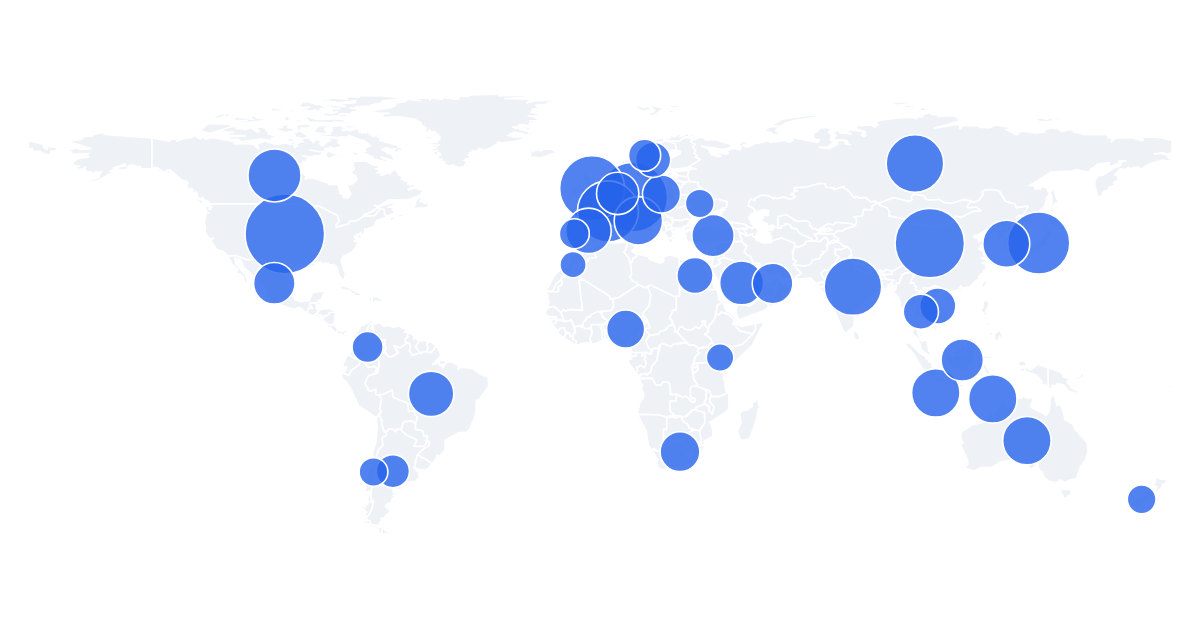
Map - Bubble, Categorical and Labels
The map component gains three ways to show data: bubbles sized by value, categorical coloring by group, and per-region value labels.
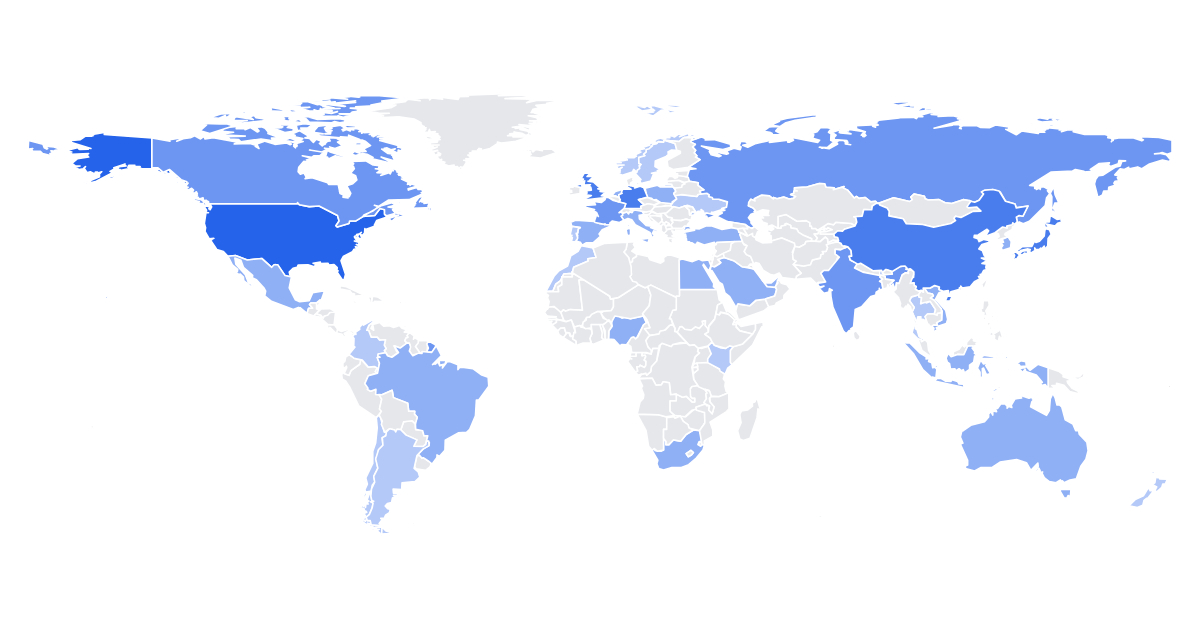
New Component - Choropleth Maps
Shade countries or US states by value on a color scale, with an optional legend. Key your data by ISO code, country name or state code.
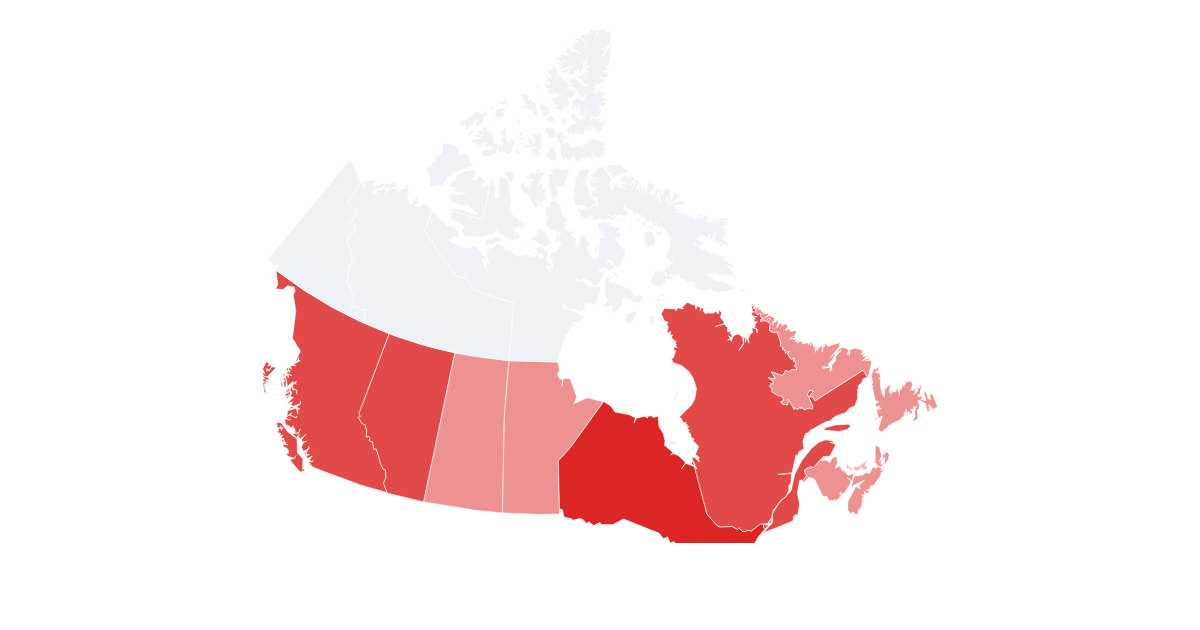
Map - Five New Regional Basemaps
The map component now shades provinces and states for Canada, Germany, Australia, Brazil and India, on top of world and US states.

Layout Primitives - Rect, Circle, Line and Shape
The four building blocks behind every card layout. Rectangles, circles and lines for structure, plus a shape layer that renders any SVG path you hand it.
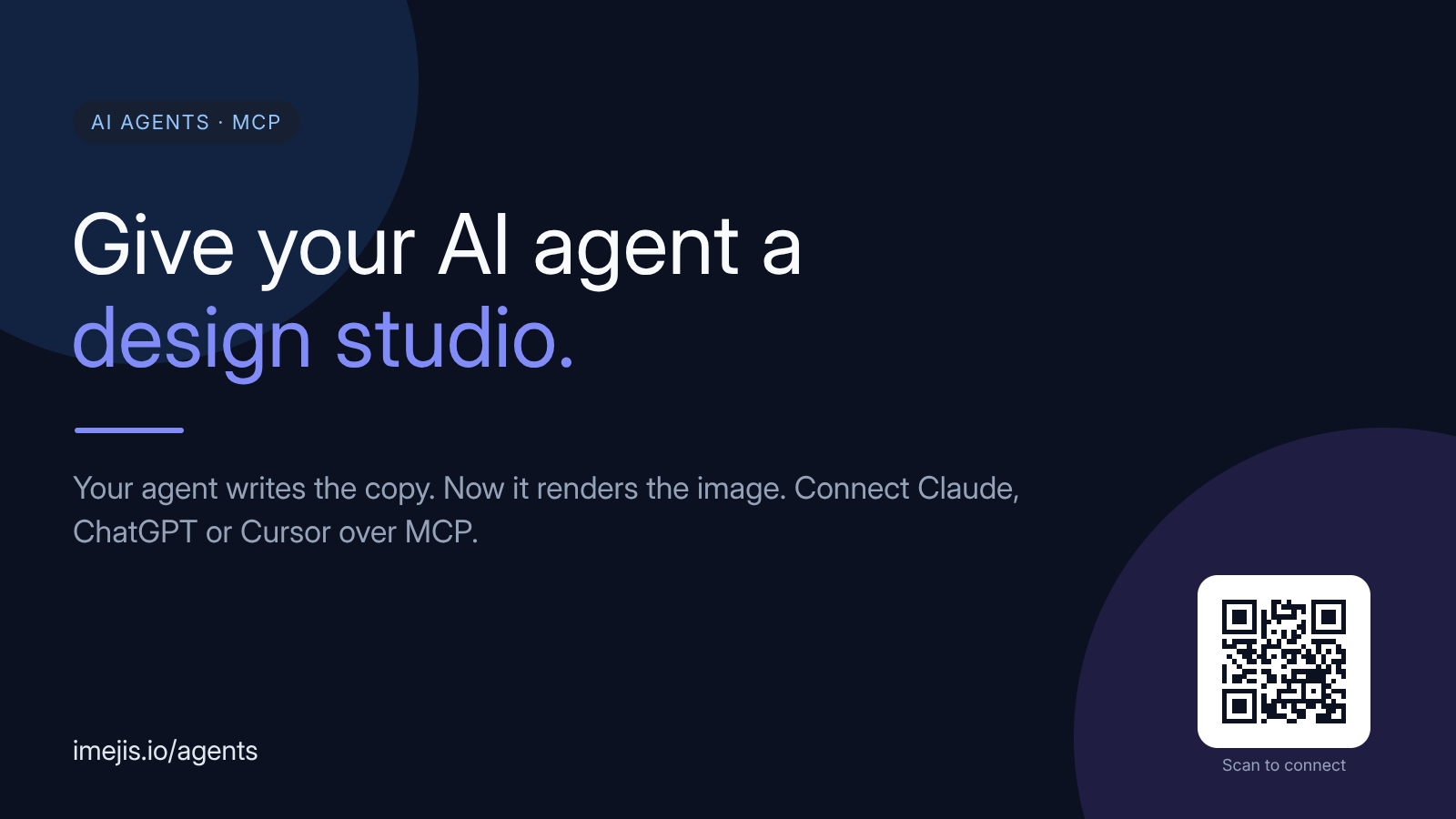
Launching the AI Agents Hub
A new AI Agents hub, plus a matured MCP experience. Connect Claude, ChatGPT or Cursor and your agent designs and renders real images on its own.
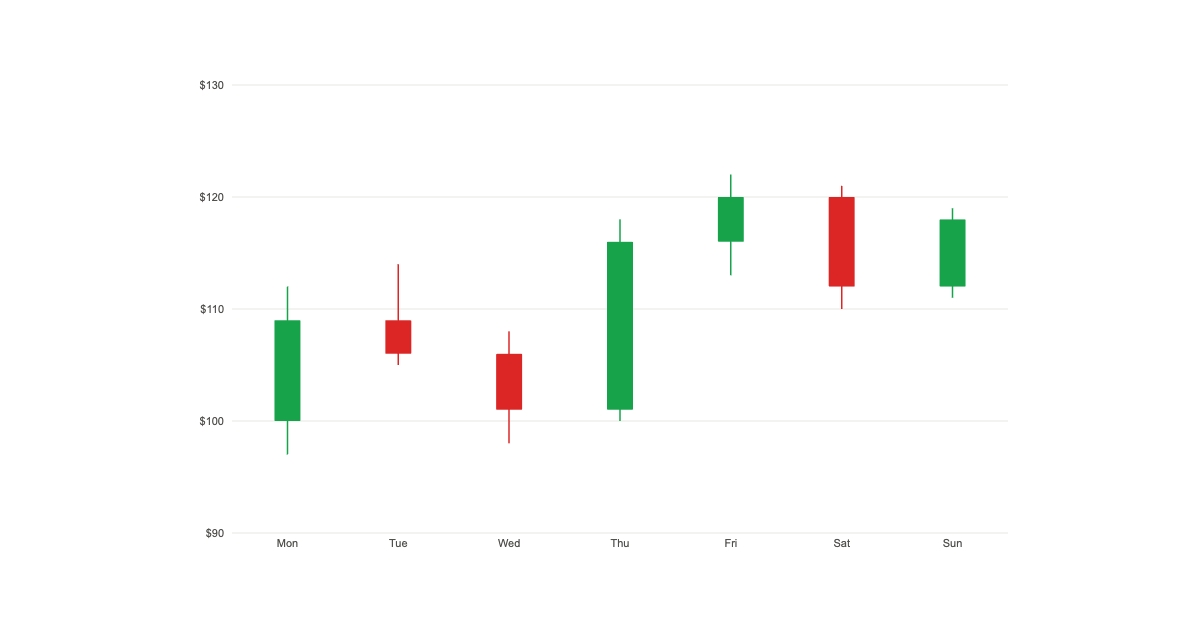
New Component - Candlestick Charts
Render OHLC candlestick charts from open, high, low and close data. Bullish and bearish candles with wicks, styled to your own colors.
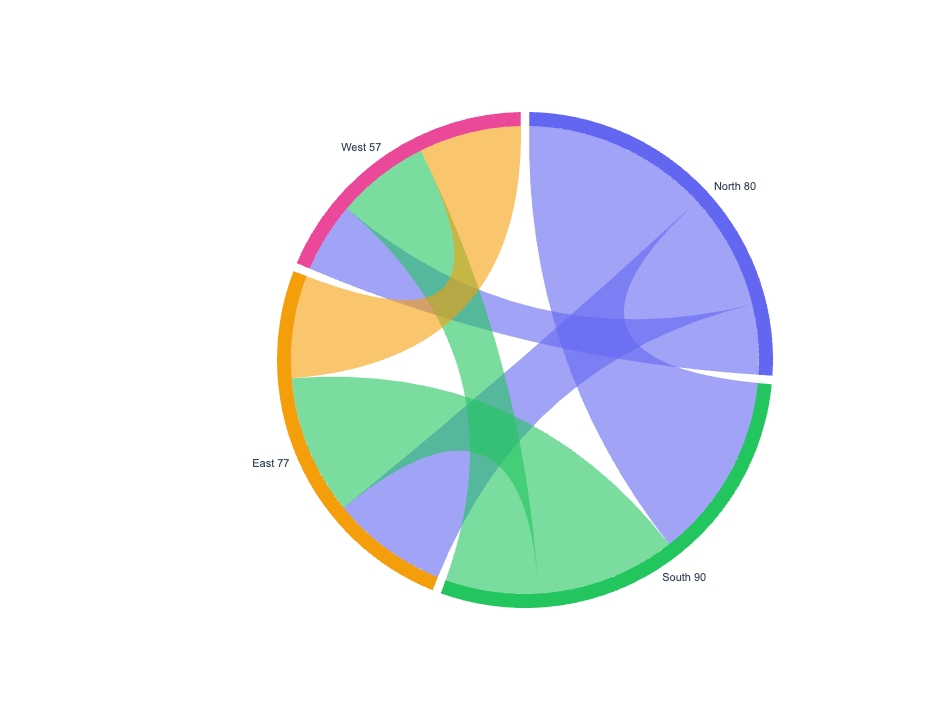
New Component - Chord Diagrams
Many-to-many relationships on a circle, with ribbons whose thickness shows the strength of each connection. For migration/trade flows and interaction maps.
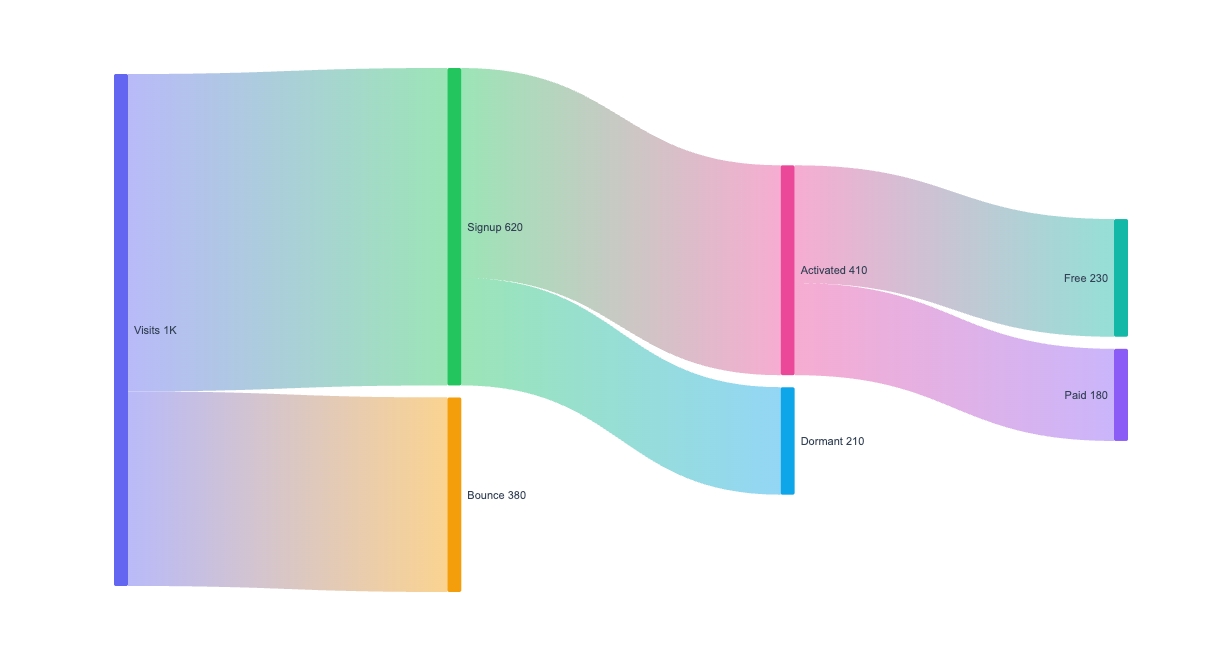
New Component - Sankey Flow Diagrams
Show where things flow and how much. Nodes auto-arranged into columns by flow direction, with value-proportional bands, for journeys and budgets.
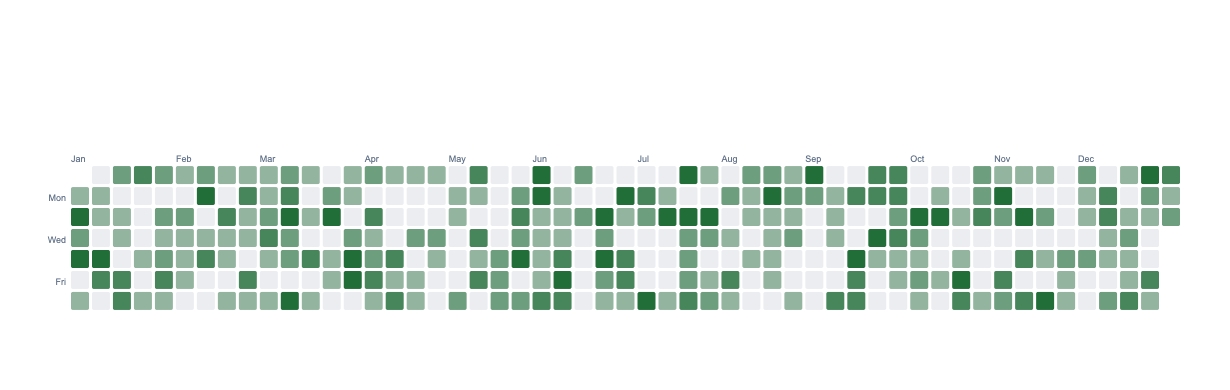
New Component - Calendar Heatmaps
The GitHub-style day grid, as a component. Color each day by value on a single-hue ramp or a diverging scale, for contribution graphs and streaks.
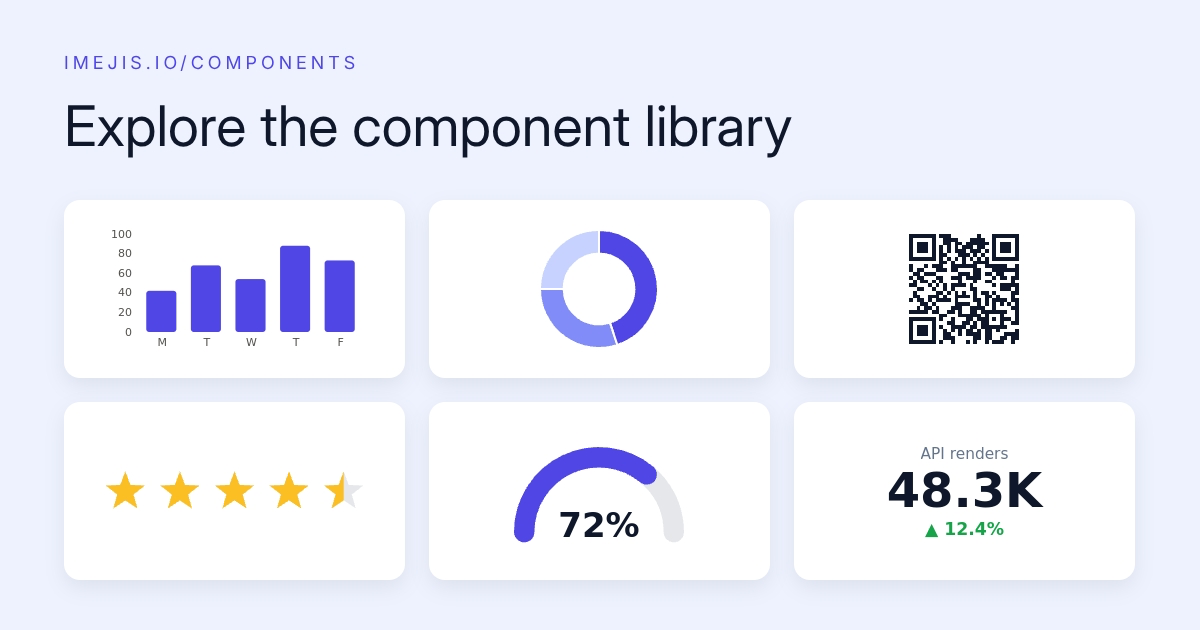
Explore the New Component Library
Every Imejis.io component now has its own page with a live playground, ready-made styles, property reference and copy-paste API examples.
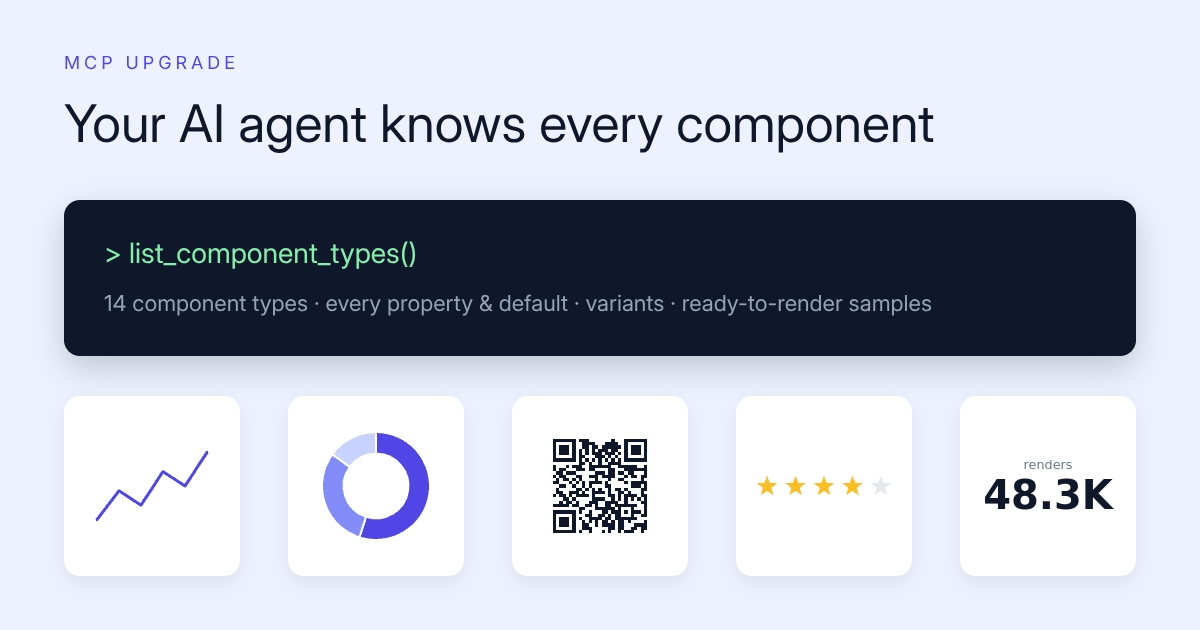
MCP Upgrade - Your AI Agent Knows Every Component
The Imejis.io MCP server now exposes the full component catalog. AI agents can discover every component, property and style, and get ready-to-render samples.
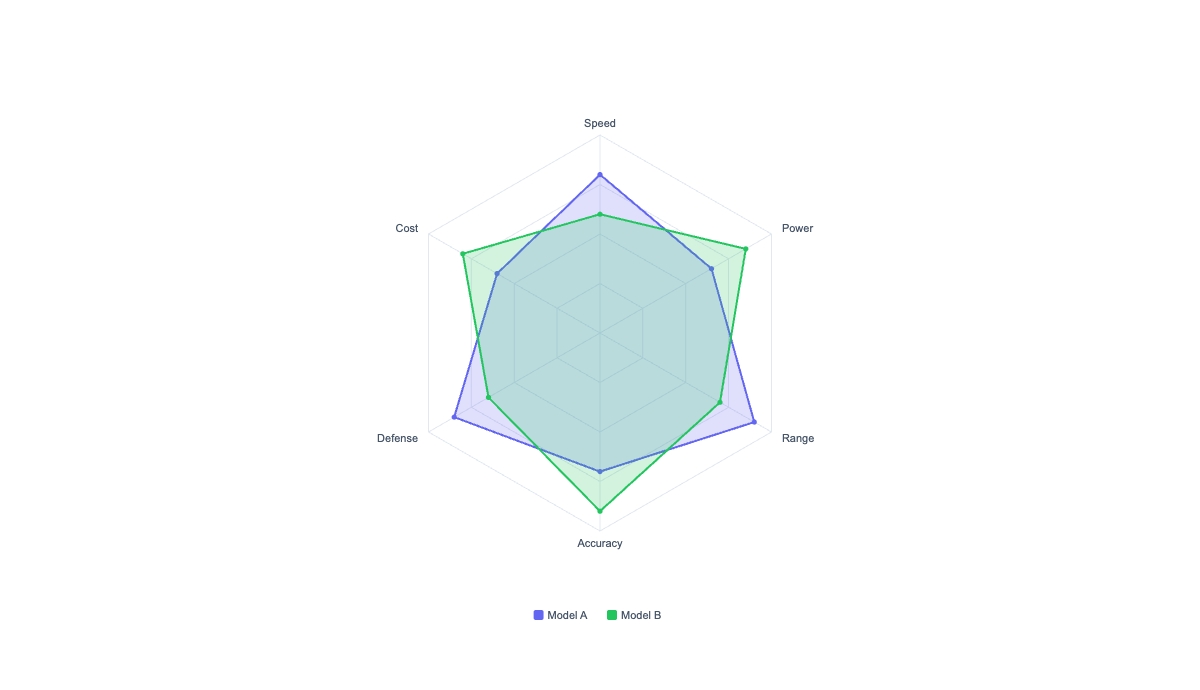
New Component - Radar / Spider Charts
Compare profiles across 3 to 8 dimensions at a glance. One polygon per series over a shared radial web, with a legend and fixed or auto scale.
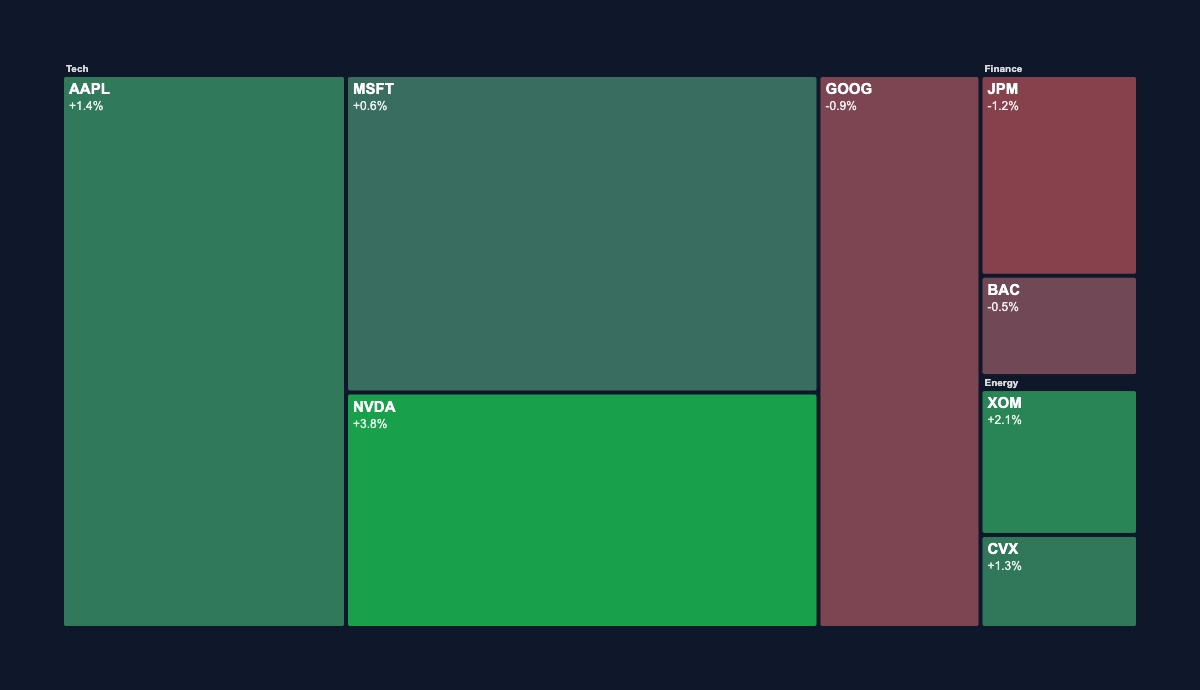
New Component - Treemap & Market Heatmaps
Squarified tiles sized by value and colored red-to-green by % change (Finviz-style) or by category. For portfolio maps and weighted breakdowns.
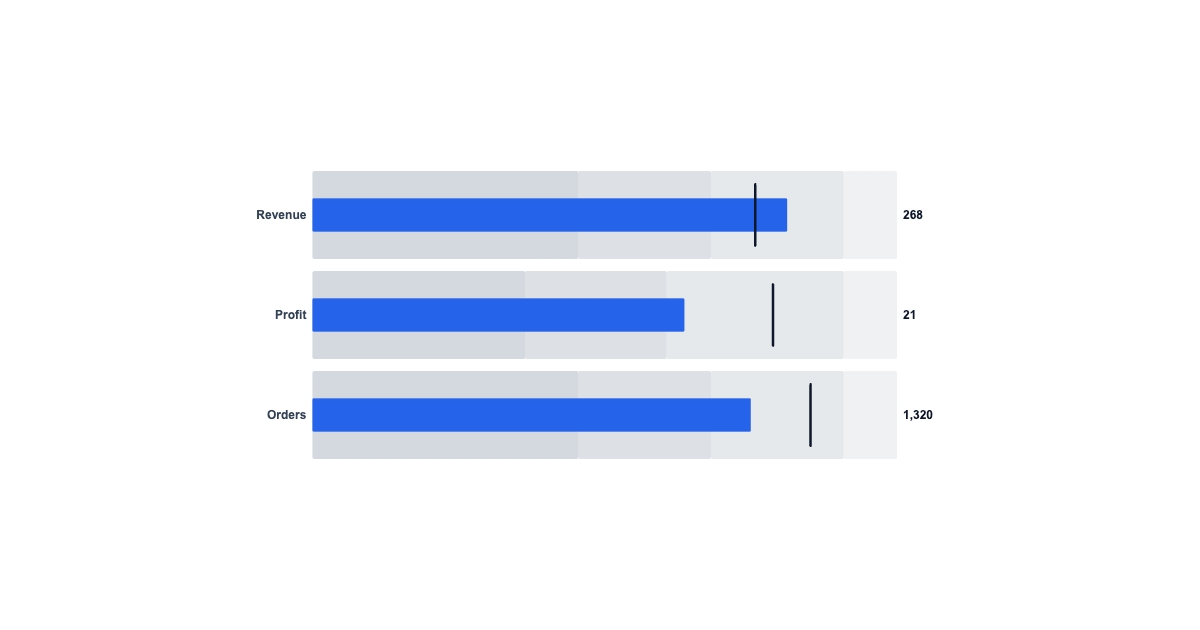
New Component - Bullet Charts (Actual vs Target)
A compact measure bar against a target marker over qualitative range bands. The dashboard-friendly way to show actual vs target for KPIs.
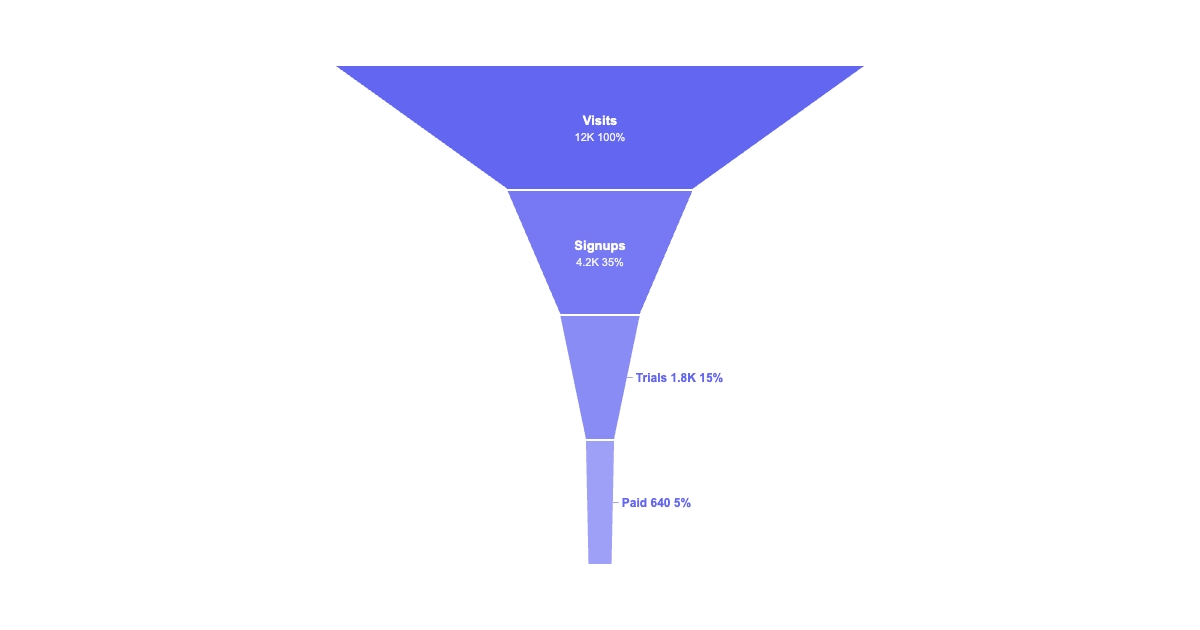
New Component - Funnel Charts
Conversion stages narrowing top to bottom, each band sized to its value with optional conversion rates. Built for signup, sales and checkout funnels.
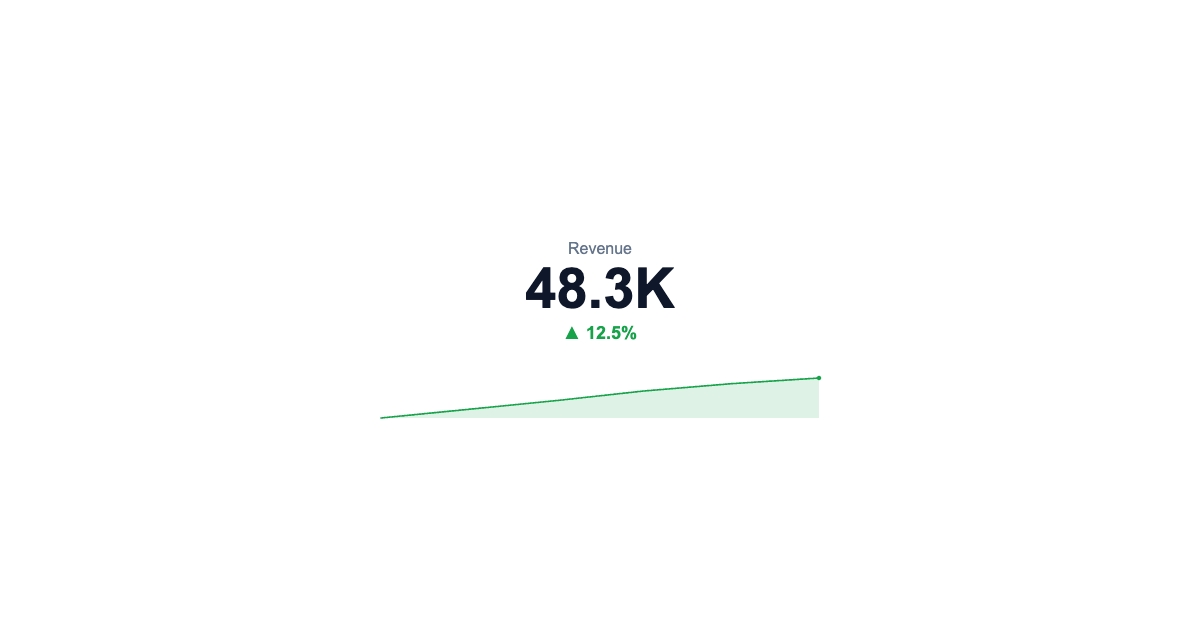
Stat Tiles Now Do Sparklines
The metric component learned a trick. Drop in a trend series and it draws a mini sparkline under the number, auto-colored, with the delta figured out for you.
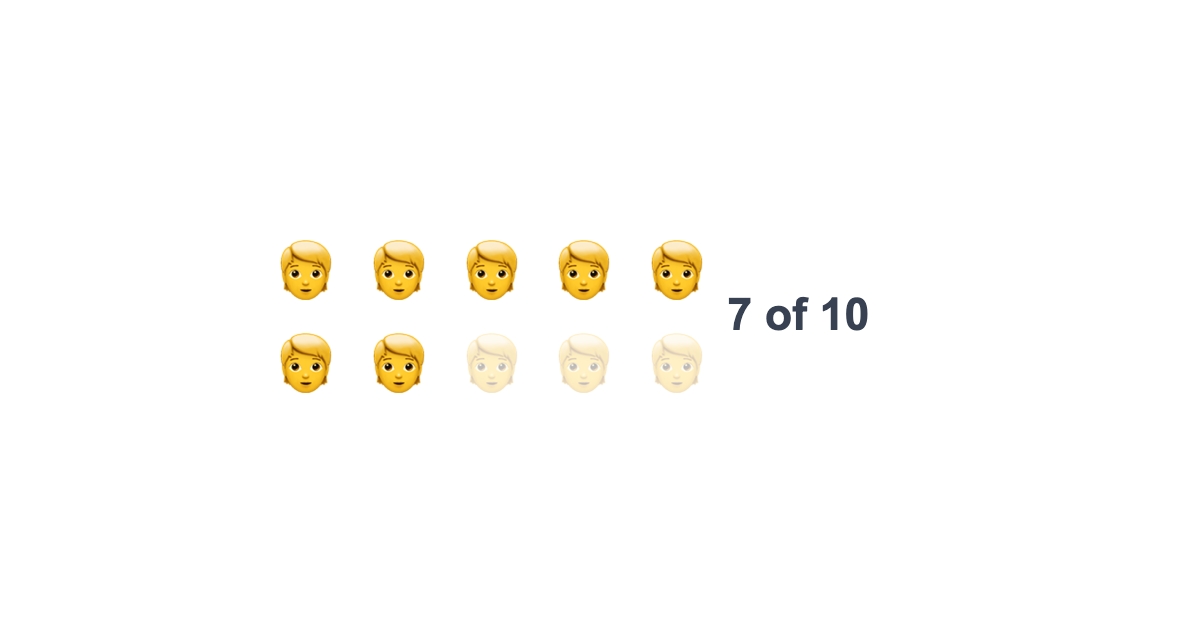
Pictograms - "X of Y" Icon Arrays
The rating component now doubles as a pictogram. Repeat an icon or emoji to show "7 of 10", wrapped into neat rows. No new component, just a new way to use one you know.
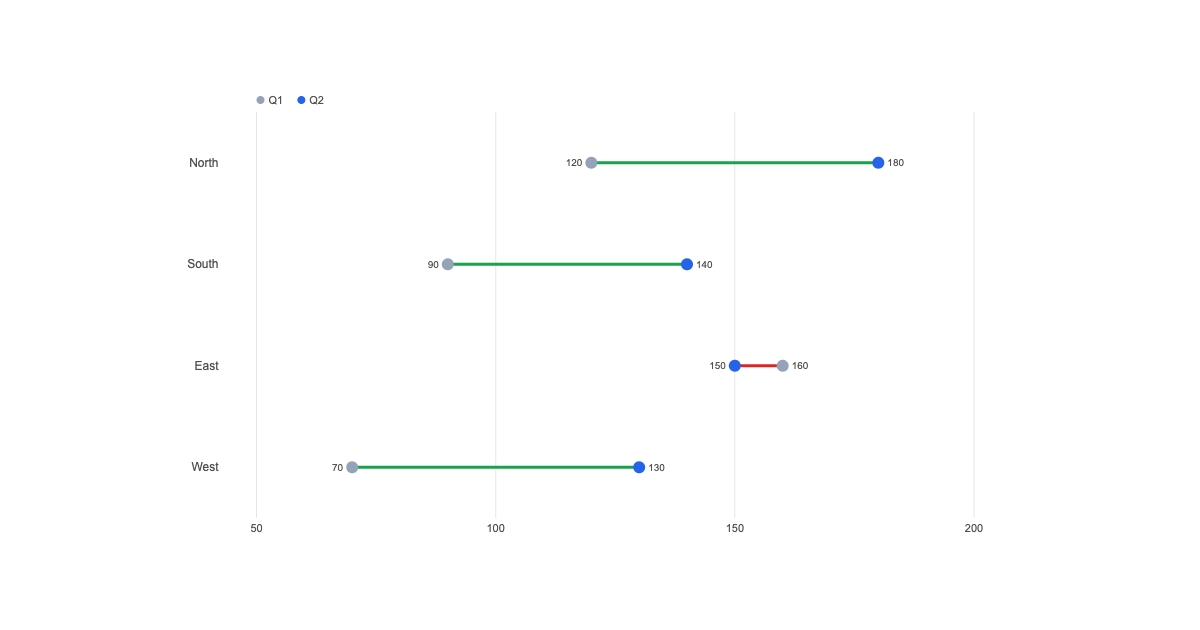
New Component - Dumbbell / Range Plots
Show before-and-after in one clean row. Two dots and a connecting bar per category, with gains and losses auto-tinted green and red.
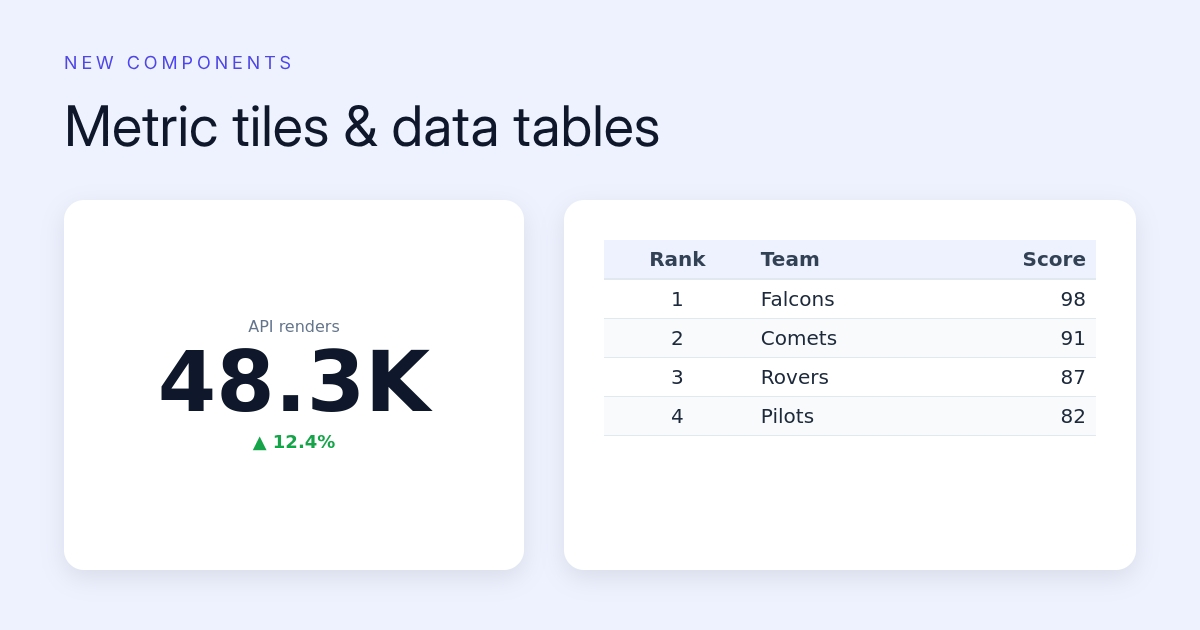
New Components - Metric Tiles & Data Tables
KPI stat tiles with delta badges, and full data grids with headers, striping and per-column alignment. Both take fresh data on every API render.
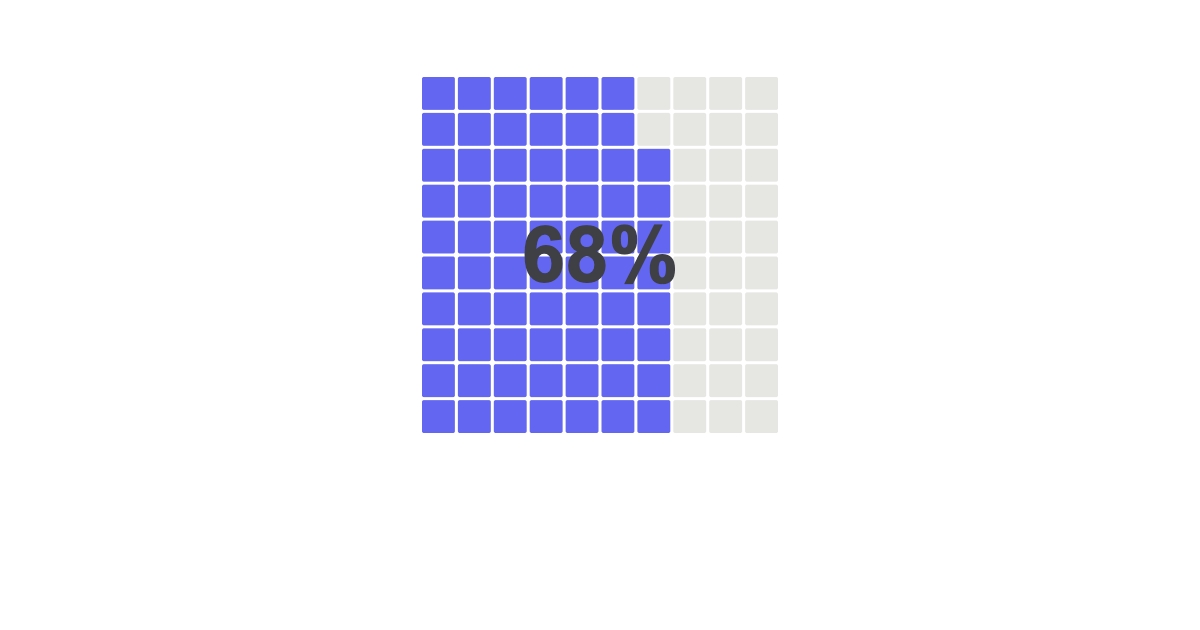
New Component - Waffle & Icon-Array Charts
Part-to-whole as a grid of unit cells. A single percentage or a multi-category breakdown, with a square or dot/icon-array shape, all drivable per API call.
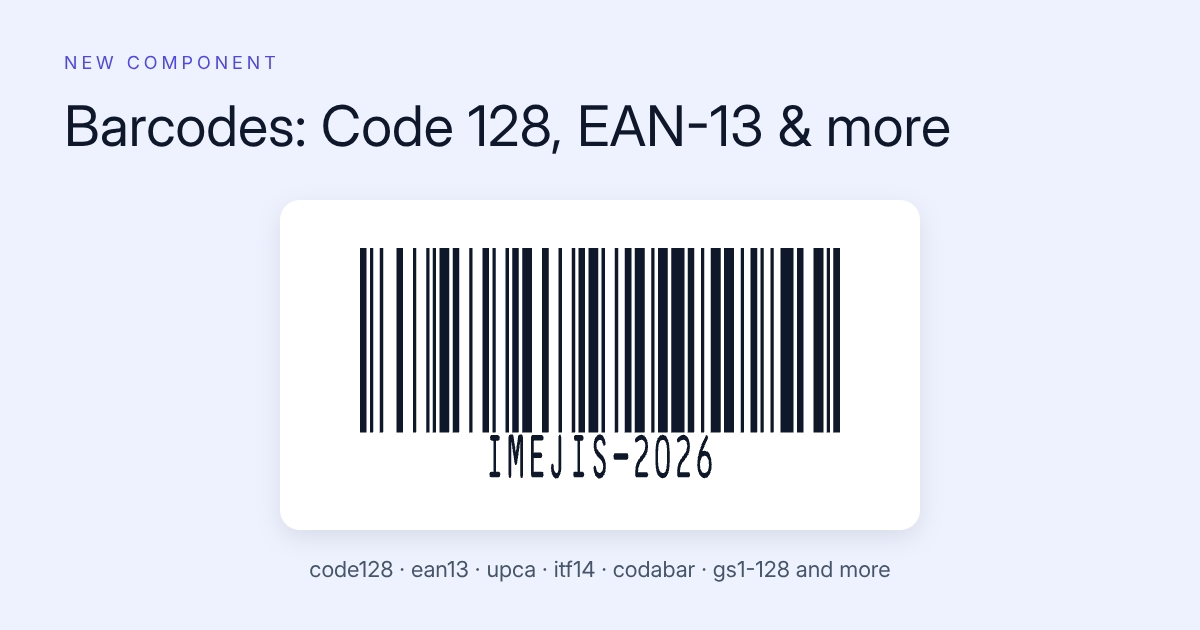
New Component - Barcodes (Code 128, EAN-13, UPC-A & More)
Generate scannable 1D barcodes inside your designs. 13 symbologies including Code 128, EAN-13 and UPC-A, with a dynamic value on every render.
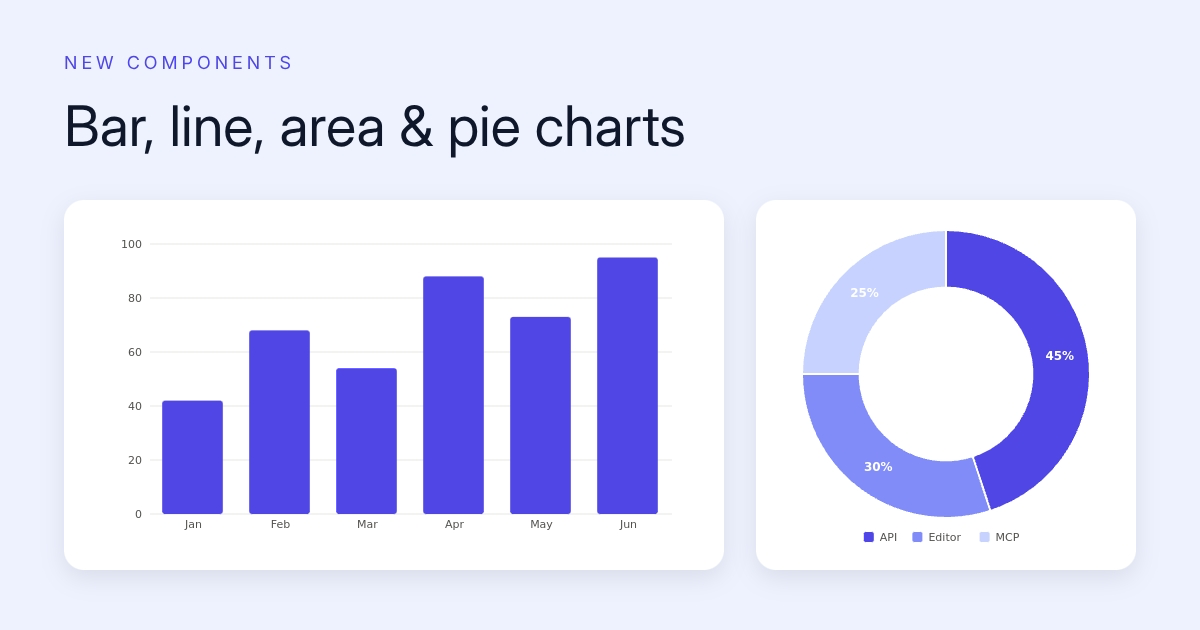
New Components - Bar, Line, Area & Pie Charts
Render dashboard-quality charts straight into your images. Bar, line and area charts plus pie and donut charts, all drivable with fresh data on every API call.
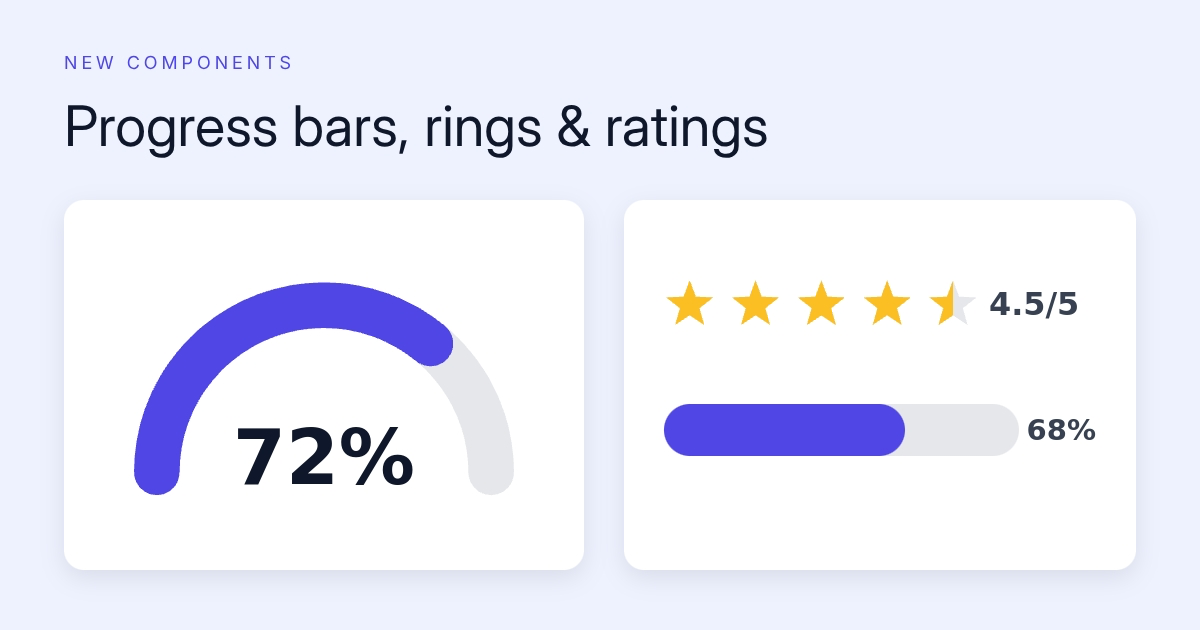
New Components - Progress Bars, Rings, Gauges & Ratings
Show goals, scores and reviews as pixels. Progress comes as a bar, ring or gauge; ratings come as stars, hearts, or any emoji, with fractional fills.
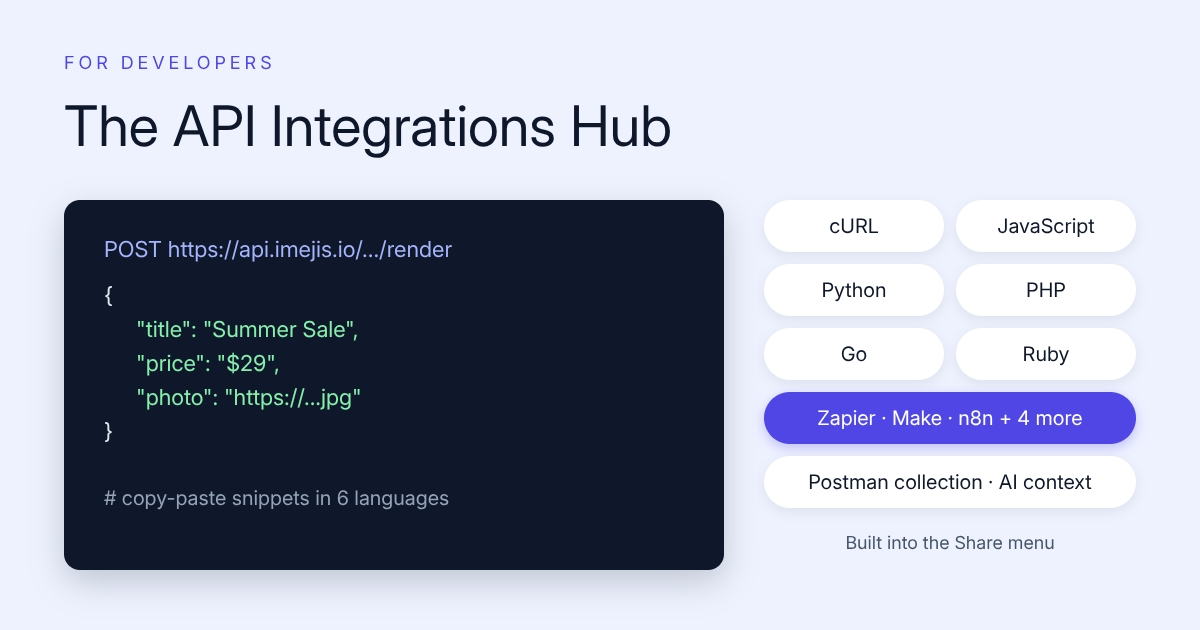
API Integrations Hub - From Design to Working Code
Every design now ships with copy-paste API snippets in 6 languages, guides for 7 automation tools, a Postman collection, and an AI context block.
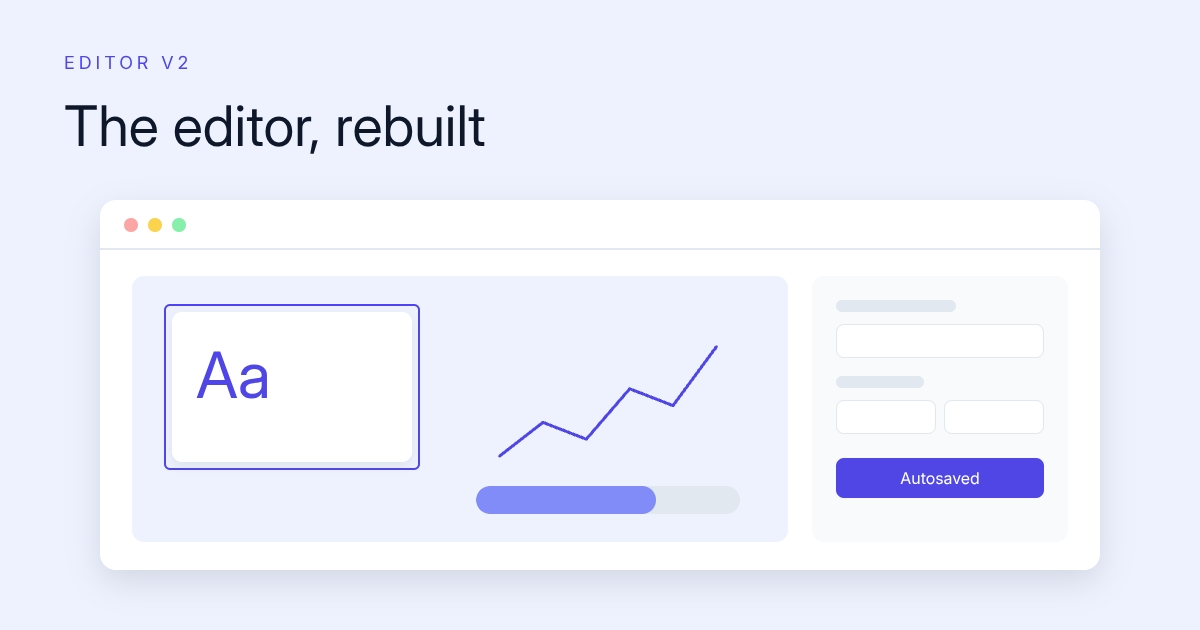
Editor v2 - The Design Editor, Rebuilt
The Imejis.io editor got a ground-up overhaul. New UI, in-place text editing, autosave, context menus, smoother zoom and pan, and full keyboard access.
Imejis Is Now MCP Compatible
Connect Claude, ChatGPT, Cursor or any MCP-enabled AI app to Imejis. Your assistant can create designs, edit components and render images by chat.
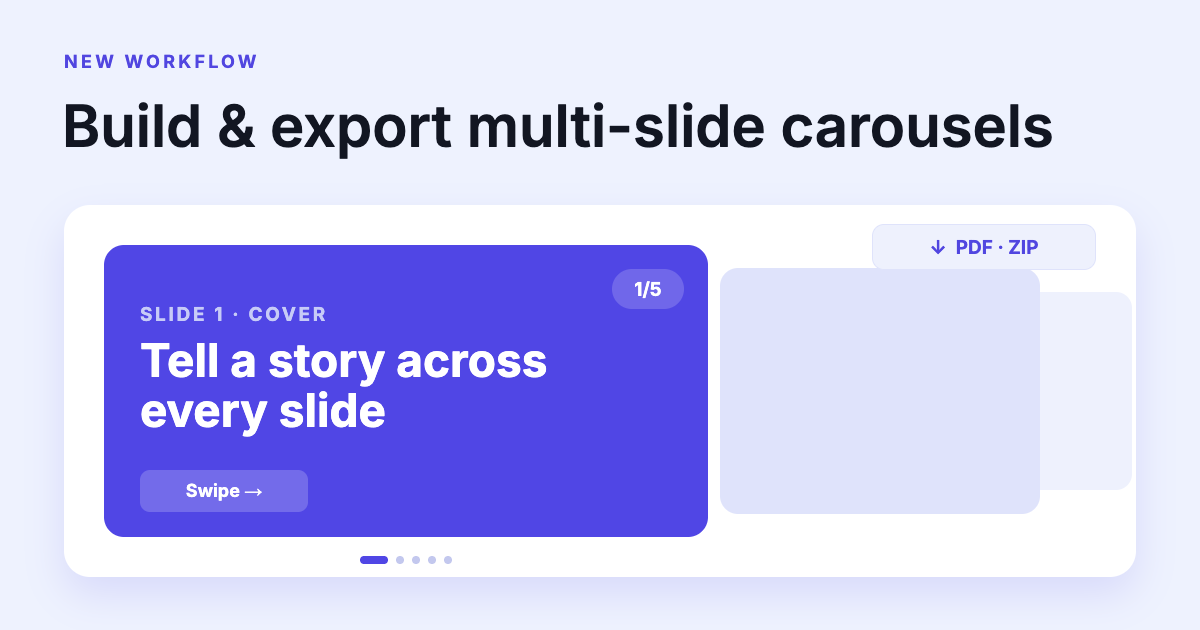
Carousel Builder - Multi-Slide Posts, Exported in One Click
Build multi-slide social carousels from ready-made slide sets, fill in your content once, and export the whole thing as a combined PDF or a ZIP of PNGs.
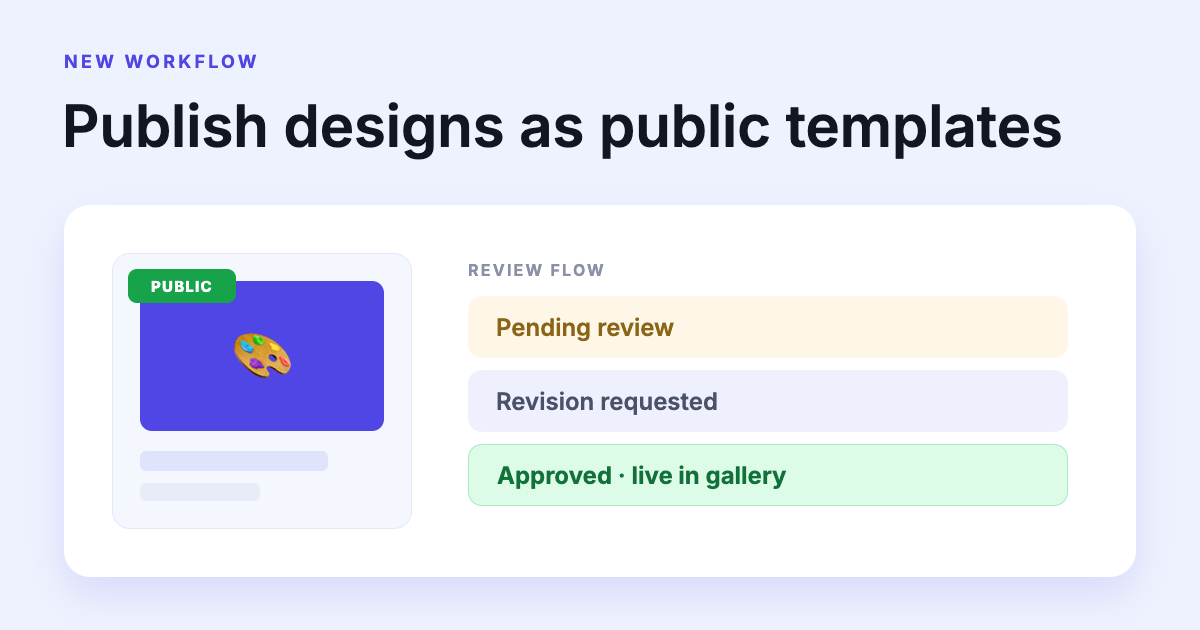
Publish Your Designs as Public Templates
Submit any design to the public template gallery. A review flow with a message thread, so you always know where your submission stands.
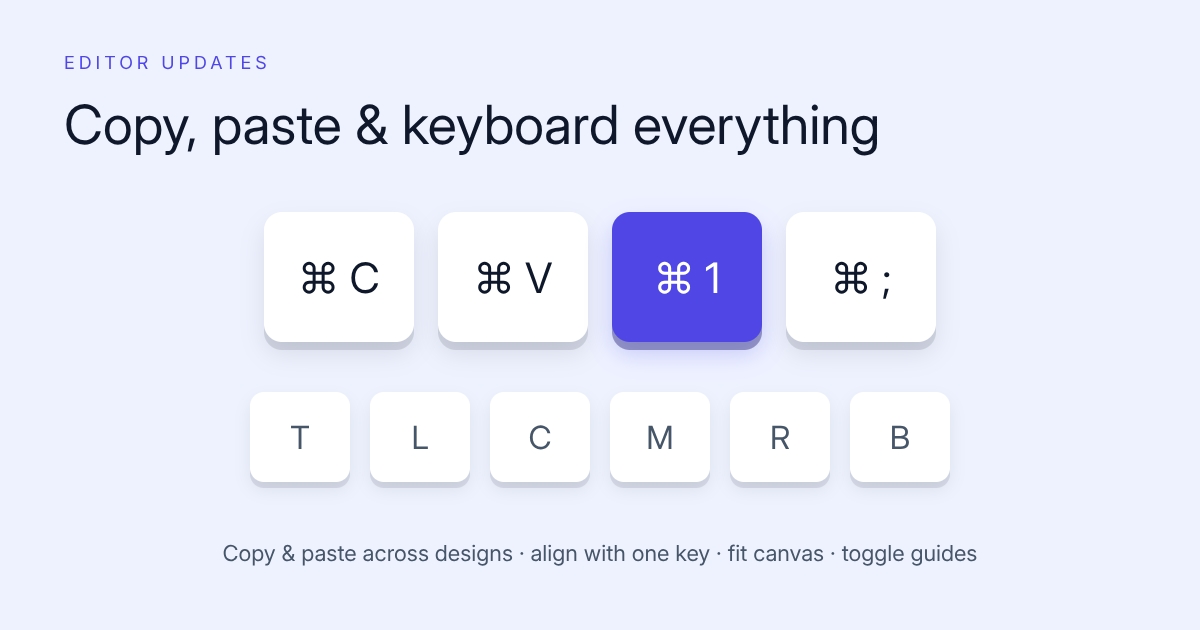
Copy, Paste, Shortcuts & Custom Shapes in the Editor
A batch of editor upgrades: copy and paste across designs, one-key alignment, canvas shortcuts, independent corner scaling and custom shapes.
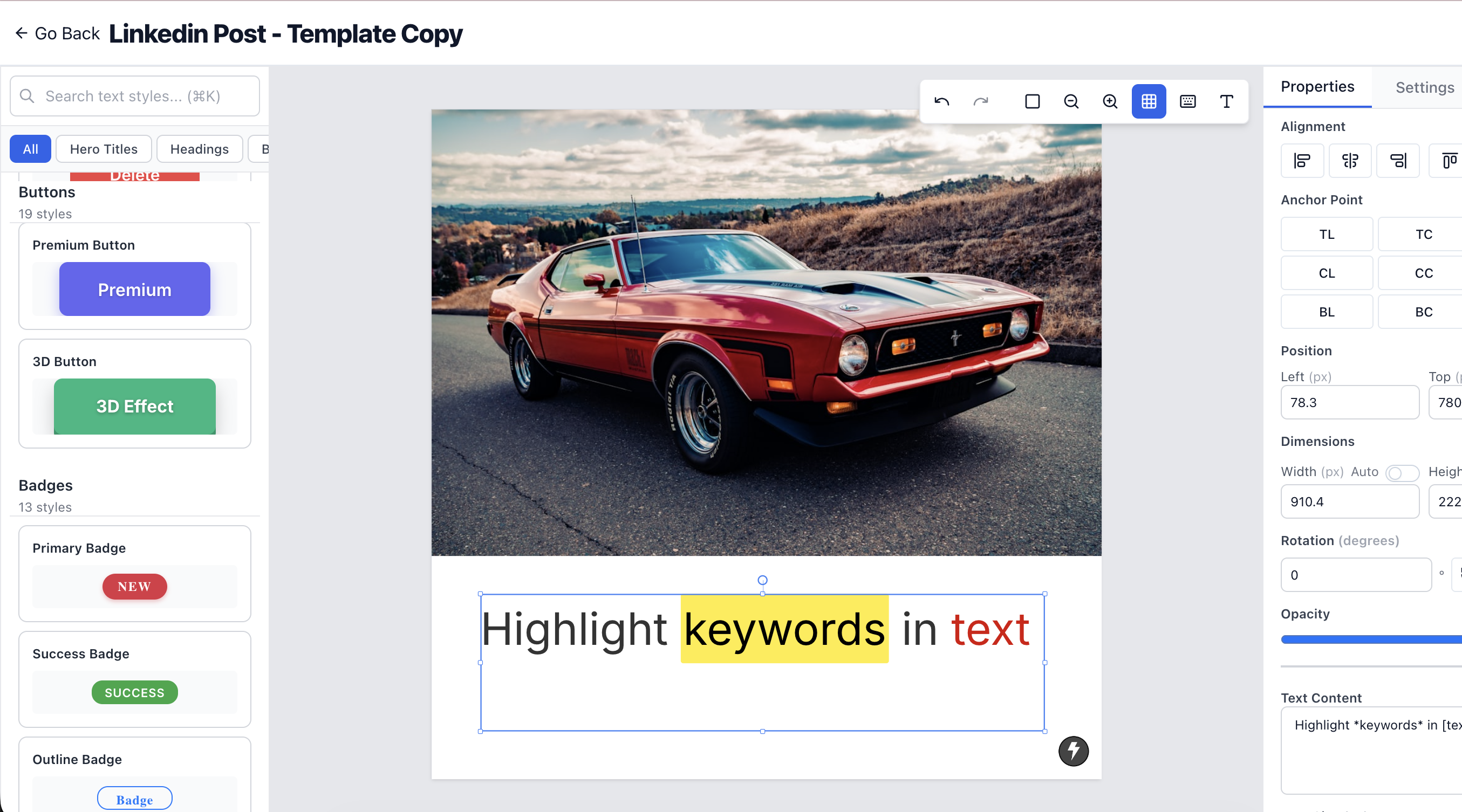
Pre-Built Text Style Components
We have now pre-built text style components. Just click and apply, and you're ready to have production-level images. No more manual styling or guesswork needed.
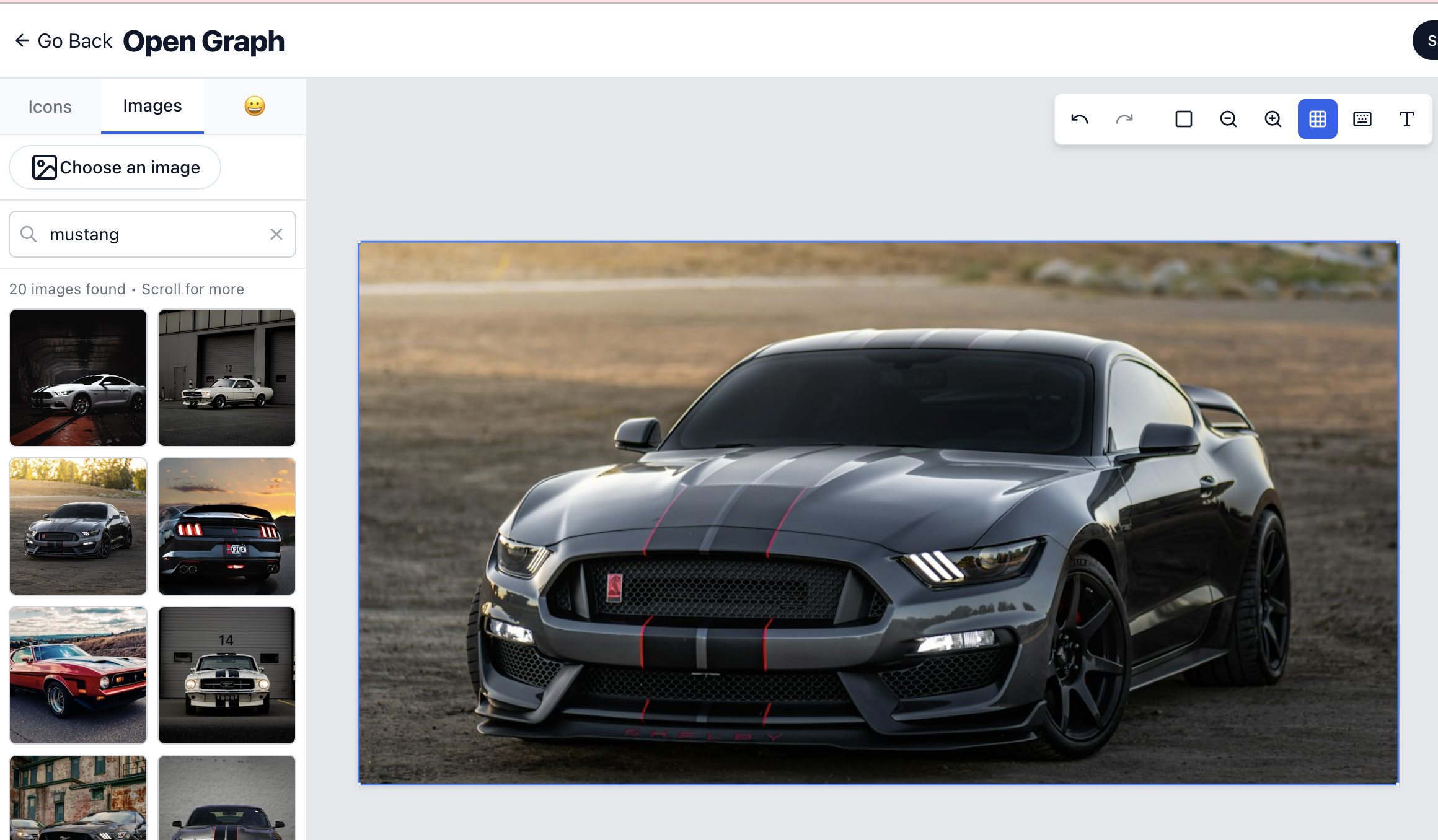
Inline Search for Icons, Images & Emojis
Search and add icons, Unsplash images, and emojis from inside the editor. No extra uploads, no tab switching, and nothing to configure first.
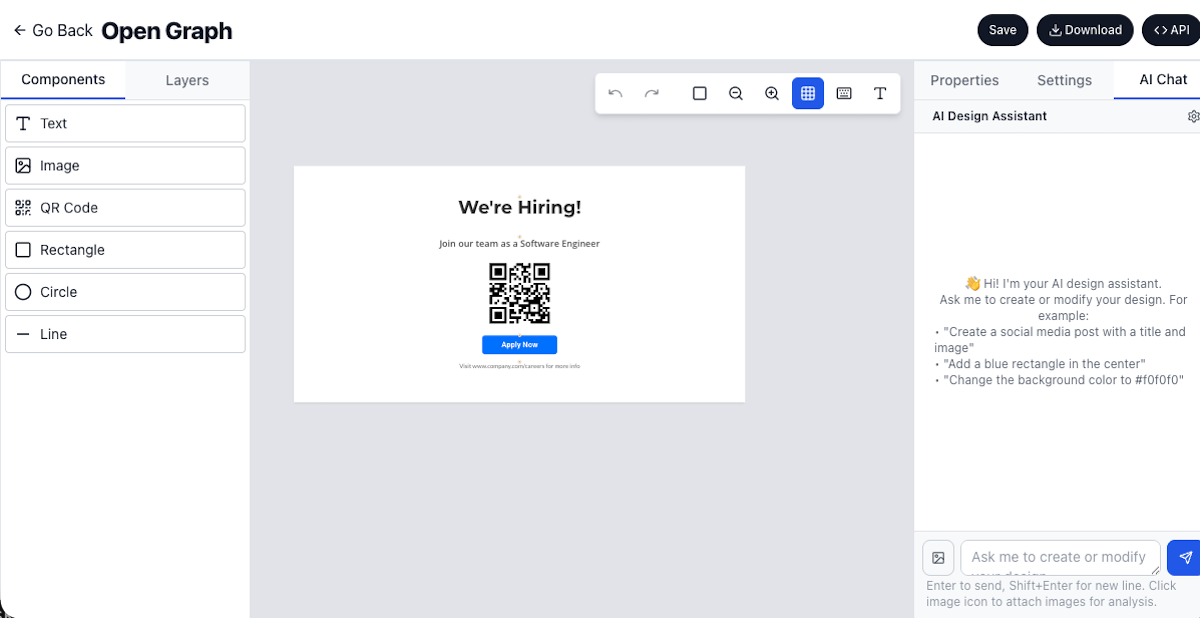
AI Design Assistant
Imejis.io now features an AI Design Assistant. Create or update designs using natural language prompts for faster workflows.
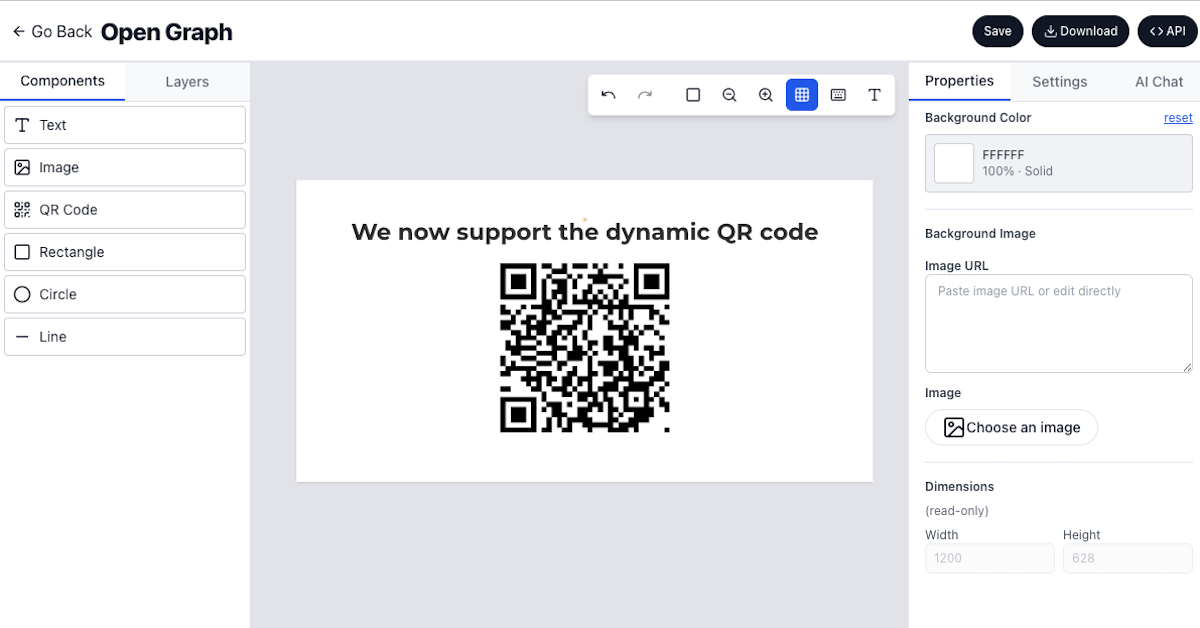
QR Code Component for Dynamic QR Codes
Imejis.io now supports QR code components. Generate dynamic QR codes directly in your designs for URLs, contact info, and more.
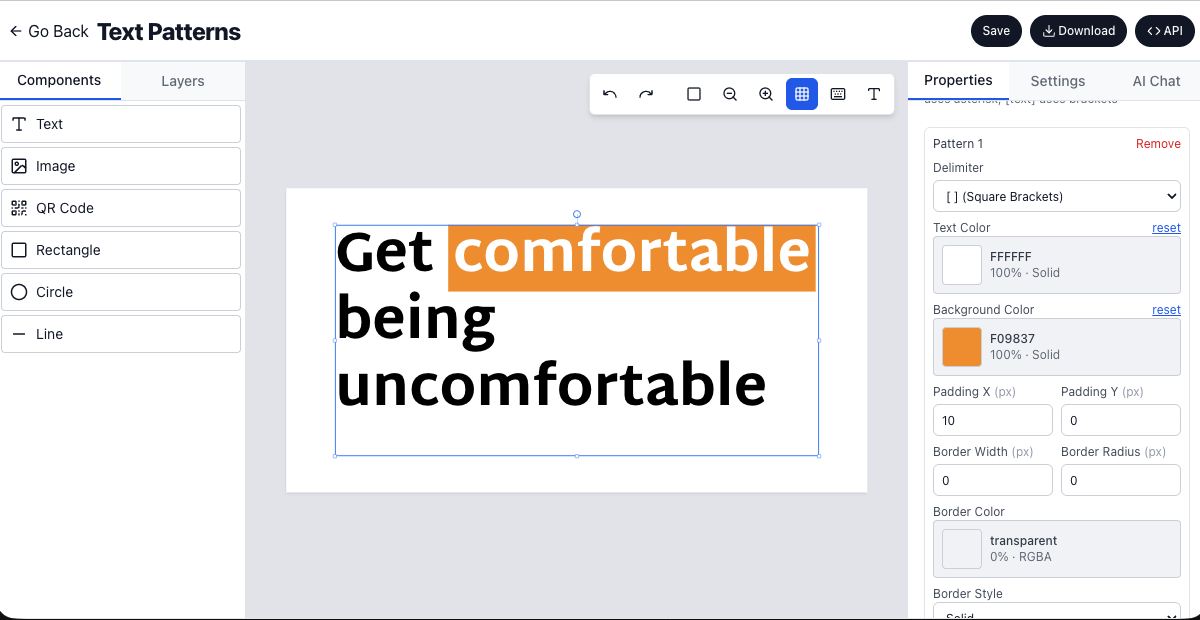
Text Pattern Support for Inline Styling
Style specific portions of text using delimiters. Add highlighted keywords, badges, and emphasized text inline in your designs.
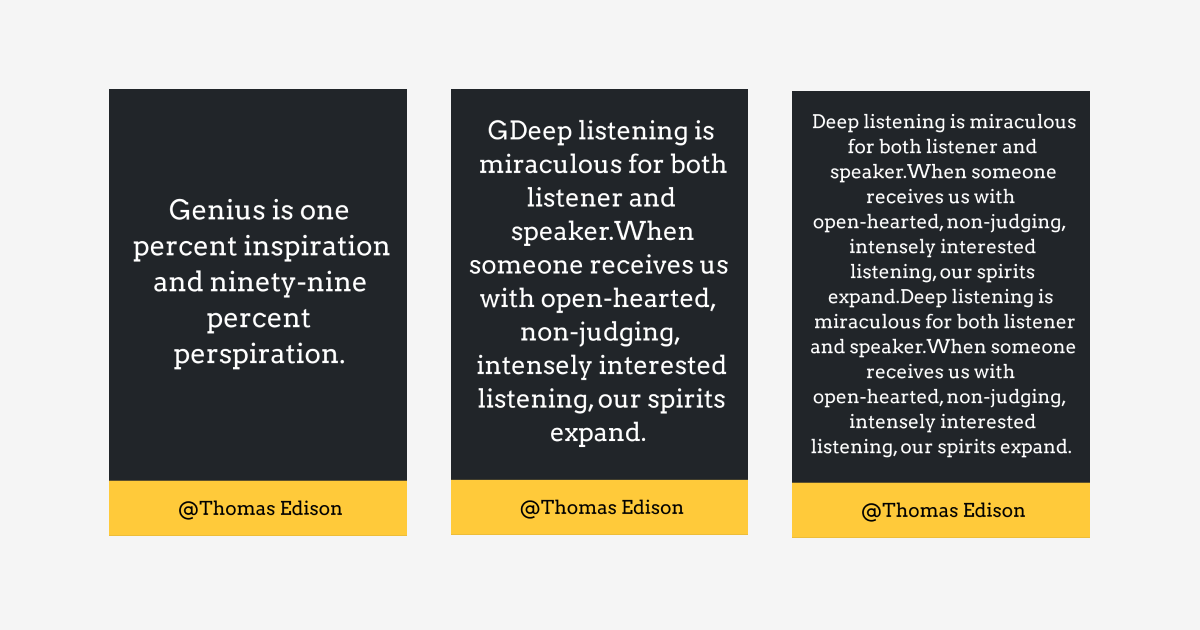
Auto-Resize Text for Perfect Fit
Auto-resize text fits copy to its container by scaling down, then truncating if it still overflows. No more manual resizing in your designs.
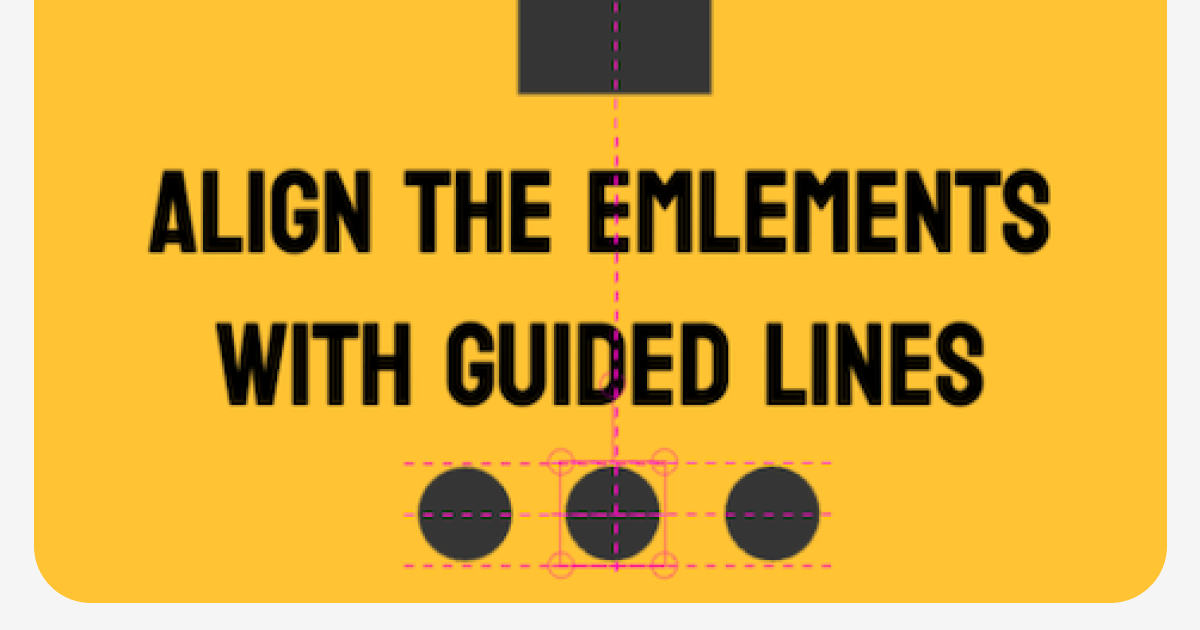
Precise Element Alignment with Guided Lines
Guided lines now appear as you drag, snapping elements into alignment with their neighbours so you can place a layer precisely without measuring it by eye.
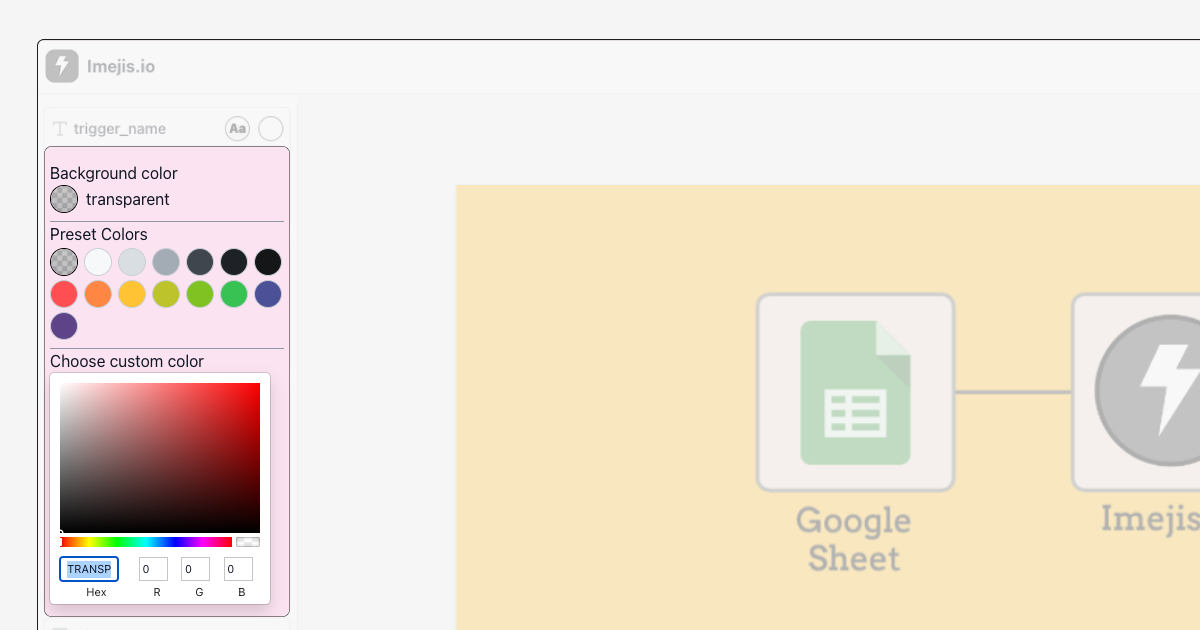
Font and Background Color Customization
Public pages now expose font and background color options for shapes, so whoever fills in your form can match the image to their own branding.
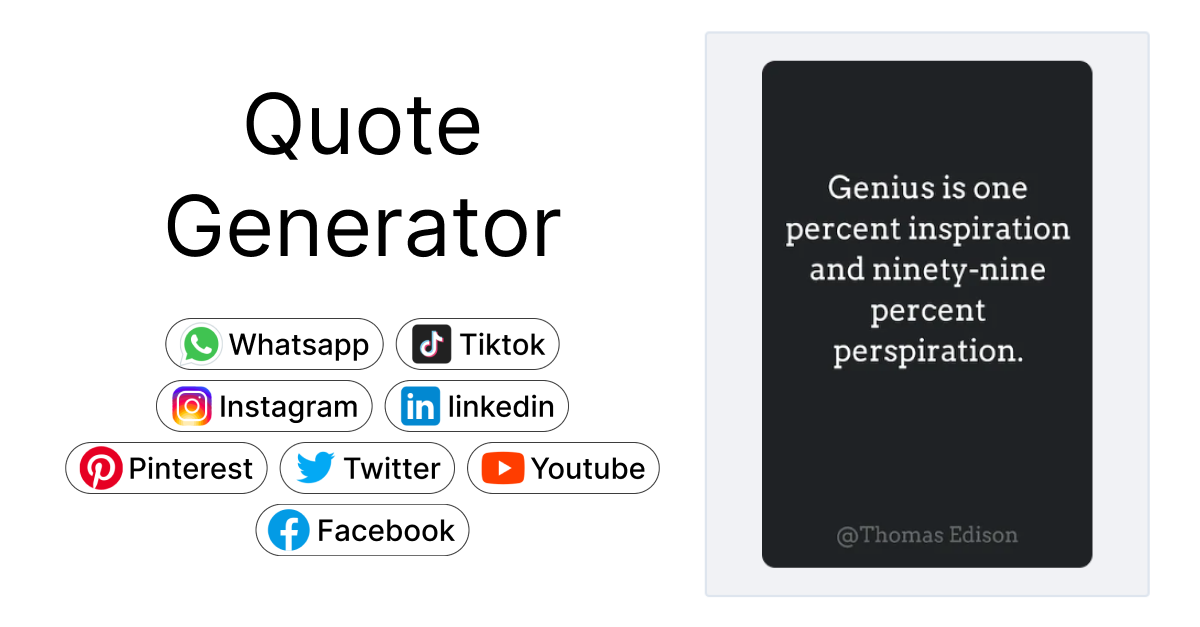
Quote Builder - Create Beautiful Quotes easily
The new Imejis.io Quote Builder turns a filled-in form into a finished quote image you can share. No editor, no account, no design work.
Zapier Integration - Connect with 5000+ Apps
Imejis.io is now on Zapier. Trigger an image render from any of 5000+ apps, then send the result wherever it needs to go, with no code.
Public Links - Let Anyone Generate Images From a Form
Turn any template into a shareable link. Anyone who opens it fills in a form and downloads a finished image, with no account and no editor.
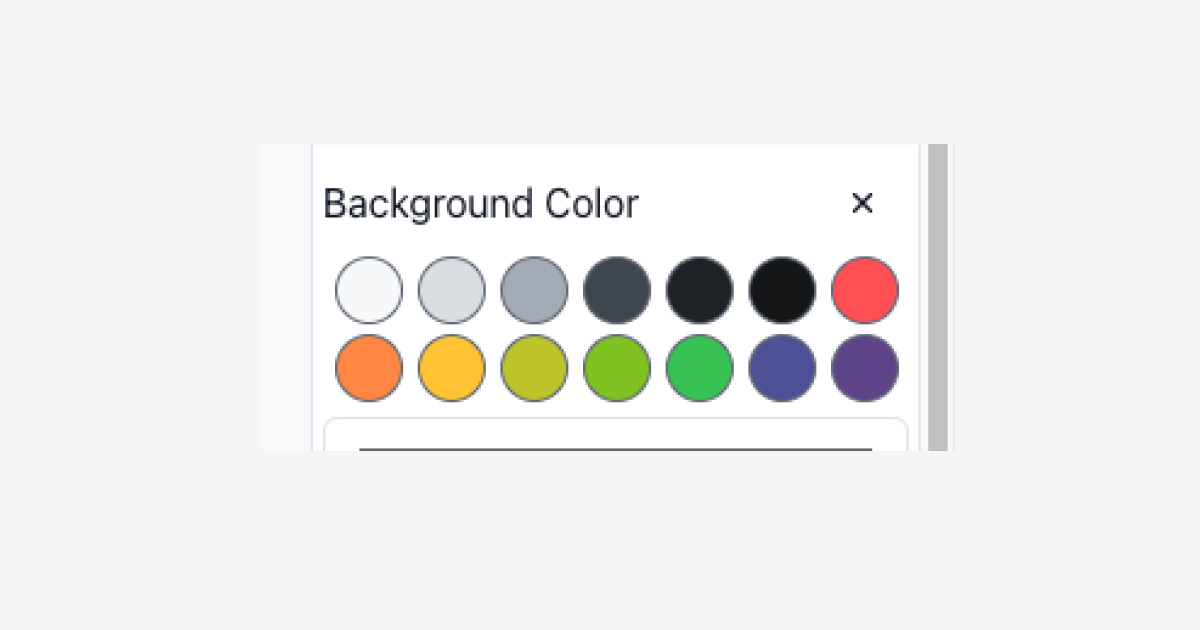
Added Default Background Color Options
Choose from a curated set of default background colors in the Imejis.io editor. Speed up your design workflow with one-click color presets.
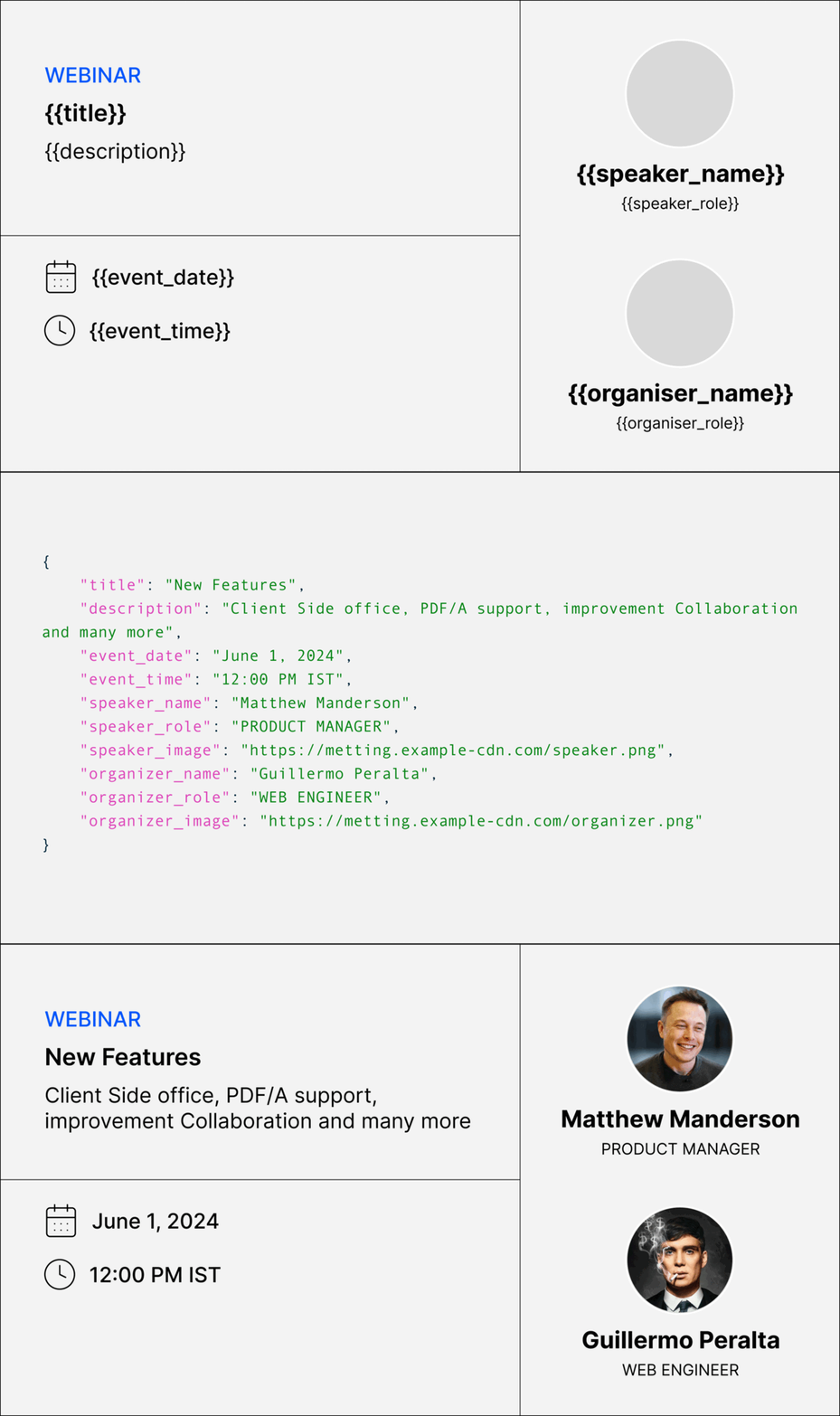
Introducing Imejis.io
Imejis.io generates images from an API call. Design a template once in the editor, then render it with your own data as often as you need.