Google Sheets to Images: Auto-Upload to Drive
Automate image generation from Google Sheets rows with Imejis.io and Zapier. Generated images save directly to Google Drive. Step-by-step tutorial.
 imejis
Read article


A spreadsheet is the most common place image data already lives: one row per product, per attendee, per post. Imejis turns each row into a finished image using the columns you already have.
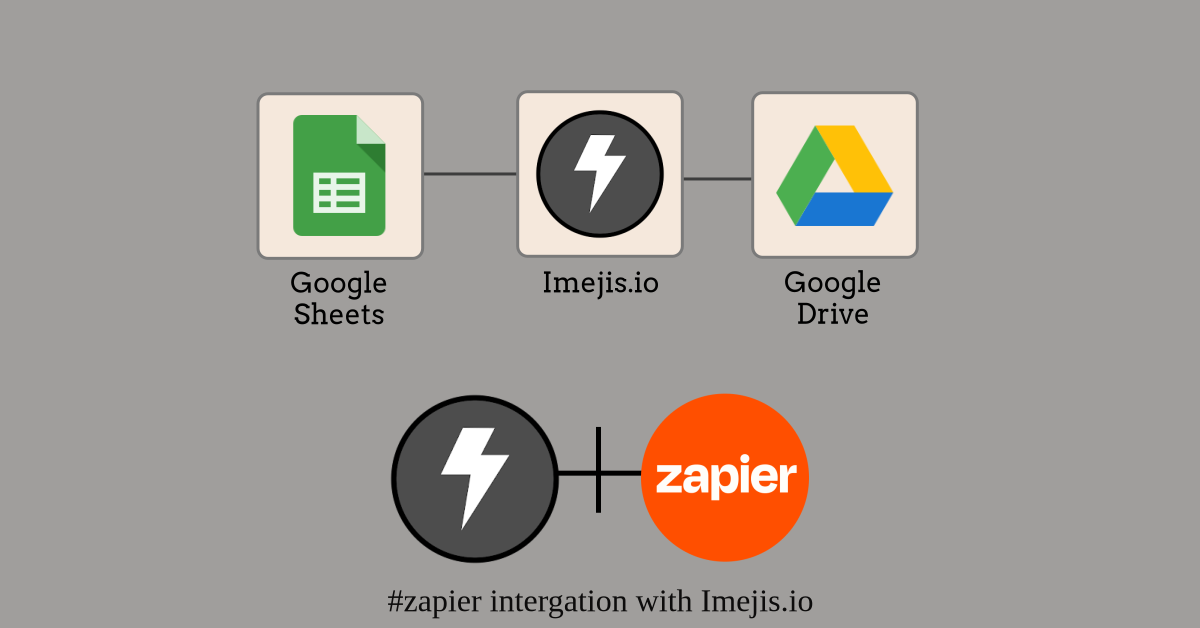
There is no first-party Sheets connector. The link runs through Zapier or Make, both of which have native Google Sheets triggers.
In Zapier or Make, trigger on New Spreadsheet Row or New or Updated Row.
Add an HTTP step pointing at your design's render endpoint, with
?delivery=hosted so you get a stored URL back rather than raw bytes:
https://render.imejis.io/v1/<designId>?delivery=hostedSend the dma-api-key header and POST the row's columns as overrides:
{
  "title": { "text": "Weekend Sale" },
  "discount": { "text": "30% off" }
}
Finish with an Update Spreadsheet Row step, writing the returned URL into an Image URL column on that same row.
The write-back is what makes this repeatable. Without it you have images and no record of which row produced which, so a re-run renders everything again.
Add one more thing: have the automation skip rows where the Image URL column is already filled. Most triggers fire on updated rows as well as new ones, and writing the URL back is itself an update. Without the check, the write-back retriggers the automation, which renders again, which writes again. People usually notice when the quota does.
Worth being precise, because the wording in this space is loose. There is no CSV upload. What you have is one render per row, driven by an automation platform that reads the sheet.
For a few hundred rows that distinction does not matter, because the automation loops for you. It matters for how you count: 400 rows is 400 renders, the free tier is 100 renders a month, and paid plans start at $14.99 for 1,000 (as of November 2026). See the pricing page.
We use cookies to run the site and, with your consent, for analytics and marketing. See our Cookie Policy. You can change this any time from “Cookie settings” in the footer.