Launching the AI Agents Hub
Your agent can now design, not just render
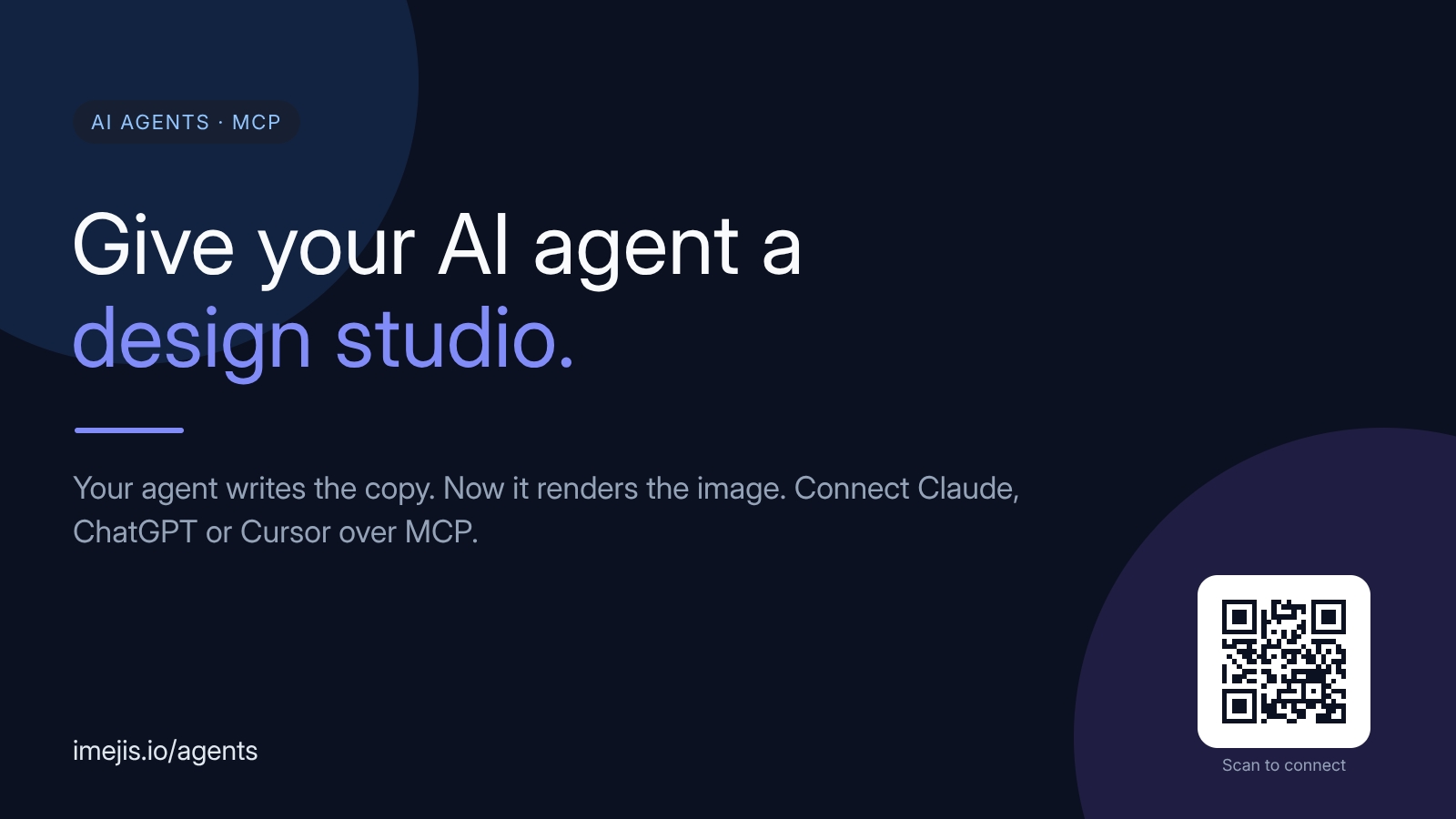
We shipped a home for agent-native image generation: the AI Agents page. It's the fast tour of what your assistant can do once it's connected over MCP, with live component previews and copy-paste prompts.
The idea is simple. Your agent already writes the copy. Now it renders the matching image too, on-brand and pixel-perfect, because it drives the same structured editor you use, not a model guessing at pixels.
What's on the page
- Live previews of what the agent renders, straight from the component registry.
- Copy-paste prompts for common jobs: OG images, QR codes, charts from data, reusable certificates.
- Per-client connect steps for Claude, ChatGPT, and Cursor, plus the remote MCP endpoint.
- The full toolset your agent can call, from
create_designtoget_render_url.
The catalog stays in sync
The agent sees all 27 component types and 75+ styles, read live through list_component_types. That catalog is generated from the same registry that powers the editor and the renderer, so what your agent can build never drifts from what actually renders.
New here? Start on the AI Agents page, then follow the MCP guide for the full walkthrough.