API Integrations Hub - From Design to Working Code
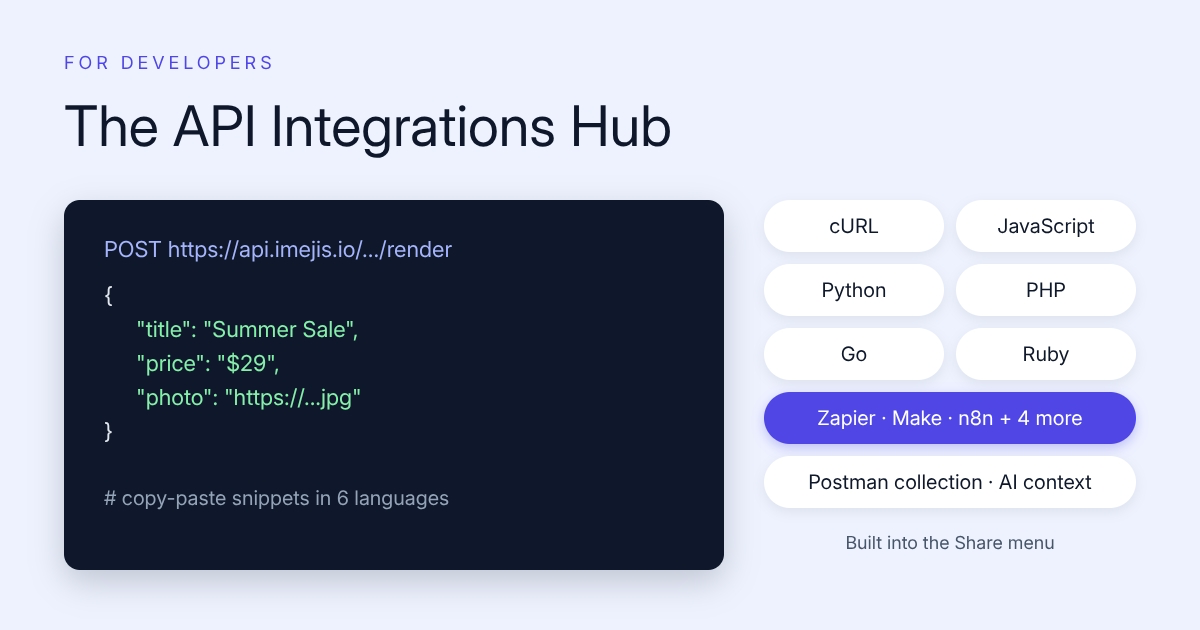

API integrations hub - from design to working code
Update: the monday.com integration has since been retired and is no longer offered. The connectors available today are listed on the integrations page.
You designed a template. Now you want images coming out of it programmatically. That step, going from "design is done" to "code is running", used to mean reading docs in another tab. Now it's built into the editor.
Open the Share menu on any design and you'll find the new API Integrations Hub: everything needed to call your design as an API, generated for that specific design with its real dynamic fields already filled in.
What's inside
- Code in 33 languages. cURL, JavaScript/TypeScript, Python, PHP, Go, Ruby, and every other major language and framework. Each snippet is ready to paste: endpoint, API key header, and a JSON body with your design's actual dynamic fields. GET-URL variants are there too when you just need an image URL in an email or a spreadsheet.
- Native automation integrations. Step-by-step guides for Zapier, Make, n8n, Pipedream, Power Automate, Relay.app, and IFTTT. The n8n guide gives you a paste-ready node, and Pipedream gets a working Node.js code step.
- AI writes the code. A copyable context block with your endpoint, auth, and dynamic fields, built for pasting into Cursor, Claude, ChatGPT, or Copilot. Your AI assistant gets everything it needs to write the integration in one shot. There's an MCP setup guide right next to it.
- Hand-off to a developer. Download a Postman collection for the design, or copy a developer brief that explains the whole render setup. Send one file instead of writing one more "here's how our image API works" message.
- Test before you ship. Fill in the dynamic fields and fire a live render from inside the dialog. What you see is exactly what the API returns.
Why we built it
The gap between designing a template and getting the first automated image out of it is where most projects stall. This closes it. Design, click Share, paste a snippet, done.
It's live now on every design. Try it from the editor at imejis.io.