Public Links - Let Anyone Generate Images From a Form
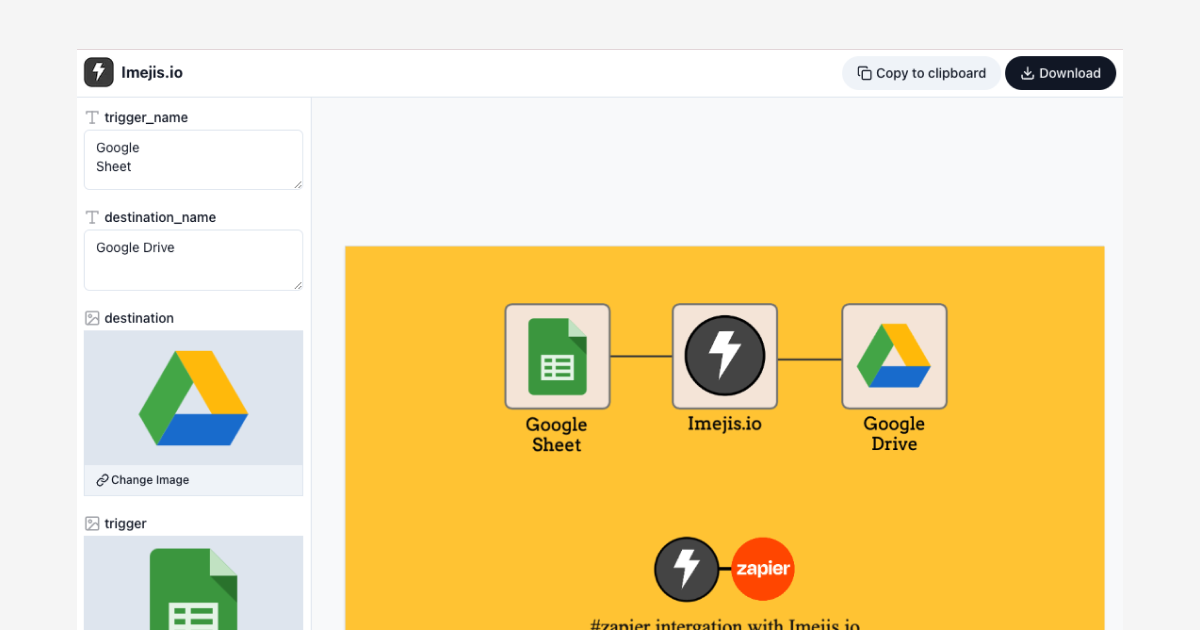

Public linksPublic Links
Not everyone who needs an image should have to open a design tool. Marketing wants a banner, sales wants a proposal cover, HR wants 50 welcome cards, and every one of those requests ends up back on the designer's desk.
Public links fix that. Turn any template into a shareable URL, send it to whoever needs the image, and let them generate it themselves.
How it worksHow it works
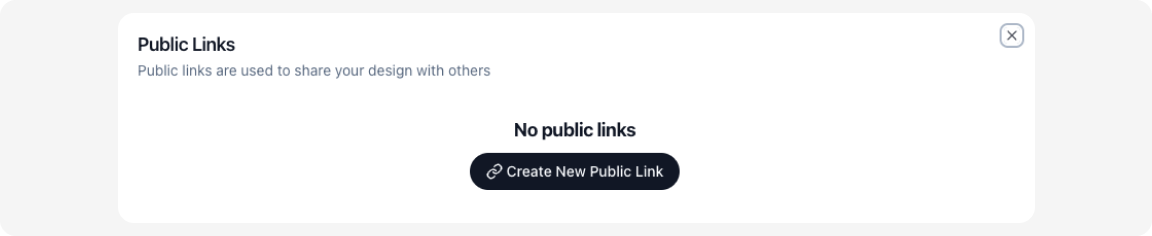
- Click the
Linkbutton in the top right corner of the editor.

- Click
Create new Public link.
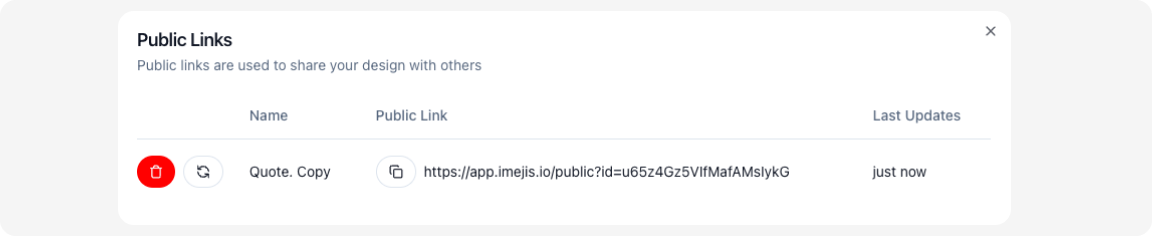
- Copy the link and share it.
What the other person seesWhat the other person sees
They open the link and get a simple form built from your template's dynamic fields, nothing else. No editor, no layers, no way to move things around or break the design. They fill in the blanks, hit download, and get a PNG that matches your template exactly.
No sign-up. No API key. No training.
Where it fitsWhere it fits
- Event badges filled in by a coordinator or check-in volunteer.
- Personalized certificates and welcome cards generated by whoever runs the program.
- Sales one-pagers where each rep drops in a company name and downloads a branded cover.
- Social graphics the content team fills in without waiting on design.
Public links are the no-code side of Imejis. When you need images generated in bulk from a database or app instead, the image generation API covers the same templates programmatically. For the full walkthrough, see Public Links: let anyone generate images.
Sign up for Imejis.io and share your first public link today.