
Auto-Resize Text for Perfect Fit
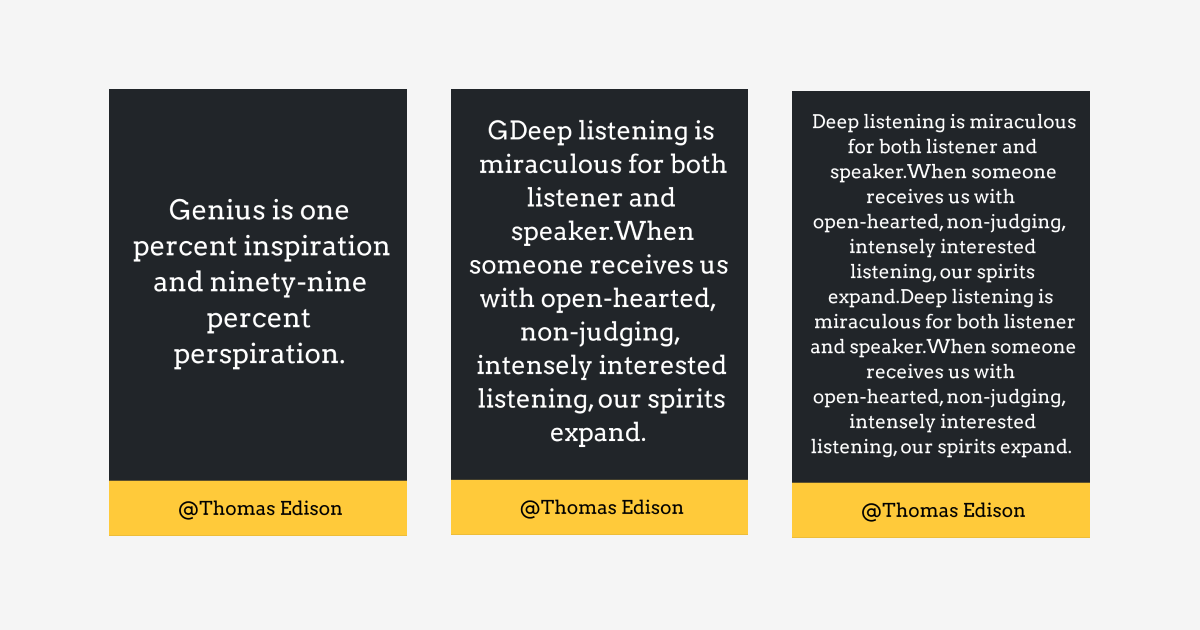

Text that overflows its box is the most common thing to go wrong in a template you render with someone else's data. Auto-Resize Text fixes it.
🔠 What's New?: Your text now adjusts itself to fit the width and height of its container. It scales down until it hits a minimum font size of 8px. If it still doesn't fit at that size, it truncates rather than spilling out.
🖱️ How It Works: There's a new setting in the text component's side editor. Check the box and you're done. The text resizes to the container's dimensions whenever its content changes.
✨ Why It Matters: You design once against sample text, then render with real values that are never the length you planned for. A product name is 8 characters in your mock-up and 40 in your database. This is the setting that keeps that from breaking the layout.
Useful anywhere the copy comes from data rather than from you: catalogue cards, certificates, social posts built per user.