
Quote Image Maker: Create Shareable Quote Graphics

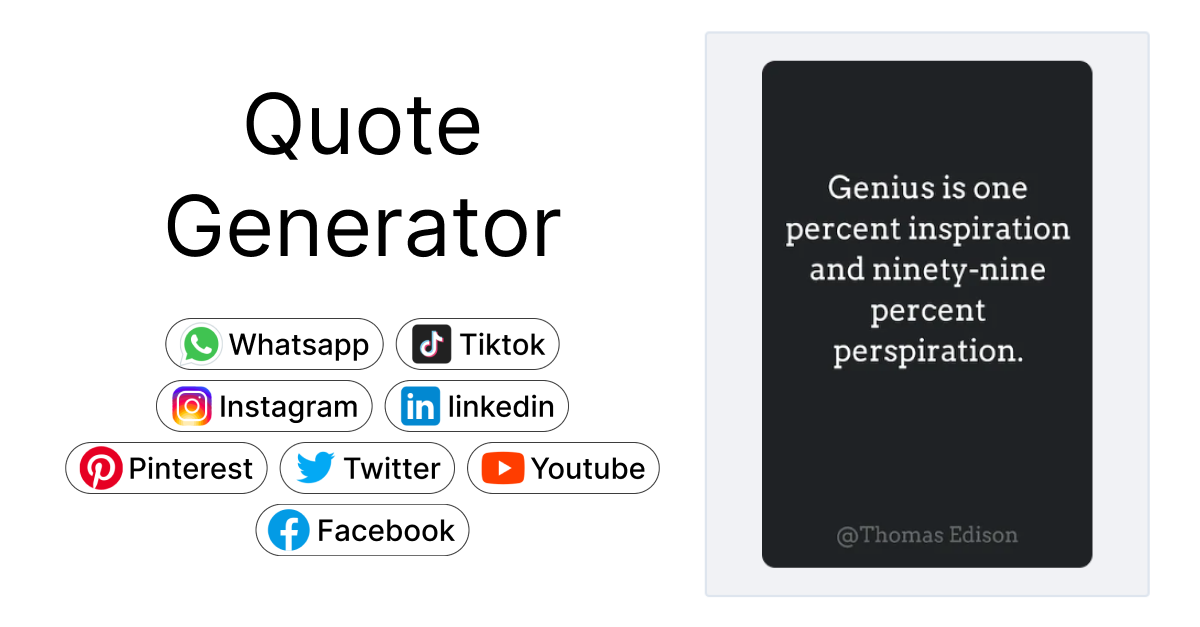
Quote images are everywhere. Scroll through Instagram, LinkedIn, or Twitter and you'll see them constantly: motivational lines on clean backgrounds, book excerpts on gradient cards, brand values on bold templates. They get shared, saved, and screenshotted more than most other content formats.
But making them by hand is tedious. You open a design tool, set up a canvas, pick a font, align the text, fiddle with spacing, export it, and repeat the whole process for the next quote. It shouldn't take five minutes to turn a sentence into a shareable image.
That's the problem the Imejis.io Quote Image Maker solves.
What is the quote image makerWhat Is the Quote Image Maker?
The Quote Image Maker is a free tool that turns text into a ready-to-share quote graphic. You type your quote, pick a template, adjust the design if you want to, and download the image. No account required. No watermarks.
It's built for speed. Most users finish a quote image in under 30 seconds. The tool runs in your browser, so there's nothing to install, and it works on desktop and mobile.
If you need to generate quote images programmatically (say, for a bot or an automated content pipeline) the same engine powers our API. You can read more about that approach in our meme generator API tutorial, which covers similar image generation workflows. For an overview of how image APIs work, see what is an image API.
How it worksHow It Works
Here's the process from start to finish:
-
Go to the Quote Builder. Open the Imejis.io Quote Builder in any browser.
-
Enter your quote text. Type or paste the quote you want to turn into an image. Add the author's name if you want attribution shown on the graphic.
-
Pick a template. Browse the available templates and select one that fits your style. Each template has its own layout, typography, and color scheme.
-
Customize the design. Adjust colors, fonts, and other design elements to match your brand or preference. The preview updates in real time so you can see exactly what you'll get.
-
Download or share. When it looks right, download the image as a high-resolution PNG. It's ready to post on any platform: Instagram, Twitter, LinkedIn, Pinterest, or wherever your audience is.
The whole thing takes less than a minute for most quotes.
Template optionsTemplate Options
The Quote Image Maker includes a range of templates designed for different use cases and aesthetics:
- Minimalist: Clean backgrounds with simple typography. Good for professional or literary quotes where the words should do the work.
- Bold: Large, heavy fonts on solid color backgrounds. These grab attention in crowded social feeds.
- Gradient: Smooth color transitions behind the text. Popular for motivational and inspirational content.
- Dark mode: Dark backgrounds with light text. These look sharp on platforms where users browse in dark mode and they stand out in feeds full of bright images.
- Custom background: Upload your own image and overlay quote text on top. Useful for branded content or quotes tied to a specific photo.
You can preview any template before committing to it, and switching between them doesn't erase your text.
Use casesUse Cases
Quote images work across a wide range of contexts. Here's who tends to use the tool most:
- Content creators and social media managers who need a steady stream of shareable posts without spending time in full design tools. Related: automate social media images.
- Motivational and inspirational accounts that publish daily or weekly quotes and need a fast, consistent way to produce them.
- Brands and businesses that want to share company values, testimonials, or customer quotes in a visual format.
- Authors and publishers promoting books by turning standout passages into shareable graphics.
- Coaches and educators who share advice, frameworks, or lesson takeaways as images for their audience.
If you make quote images more than once a week, having a dedicated tool for it saves a meaningful amount of time. Need to produce hundreds of quote images at once? Check out our batch image generation from CSV tutorial.
Quote image maker vs canvaQuote Image Maker vs. Canva
Canva is a capable general-purpose design tool, but it's built for a much broader set of tasks. When all you need is a quote image, the differences matter:
| Imejis.io Quote Maker | Canva | |
|---|---|---|
| Sign-up required | No | Yes |
| Time to first image | Under 30 seconds | Several minutes |
| Purpose-built for quotes | Yes | No (general design) |
| API access | Yes | Limited |
| Free tier | Full access, no watermark | Free with limitations |
Canva makes sense when you're designing a full social media campaign, a presentation, or a multi-page document. But for the specific task of turning a quote into a shareable image, a purpose-built tool is faster and simpler. For a broader comparison of design tools and image APIs, see our best Canva API alternatives guide.
Tips for great quote imagesTips for Great Quote Images
A few things that make quote images perform better when shared:
Keep quotes short. The best-performing quote images use one to three sentences. Long paragraphs don't read well at social media sizes. If the quote is long, trim it to the most impactful part.
Use high-contrast text. Light text on dark backgrounds or dark text on light backgrounds. If your text is hard to read at a glance, people will scroll past it. Avoid placing text over busy image areas without a color overlay.
Match your brand colors. If you're posting on a branded account, use consistent colors across your quote images. This builds recognition over time so your audience knows it's your content before they even read the words.
Always add attribution. If the quote isn't yours, credit the original author. It's respectful, it adds credibility, and it can lead to shares from the original author's audience.